 School



Italian teaching platform for KS3 and GCSE
Plan Italian lessons, practise vocabulary and translation, set speaking and writing work, create printables, run live activities and track progress. Italian is currently Beta.
Grade 9 School brings curriculum, lesson planning, practice, homework, feedback, live activities, printables and progress tracking into one connected teaching workflow.
 Spanish
 French
 German
 Portuguese
 Italian
Practice, feedback and progress in one place.
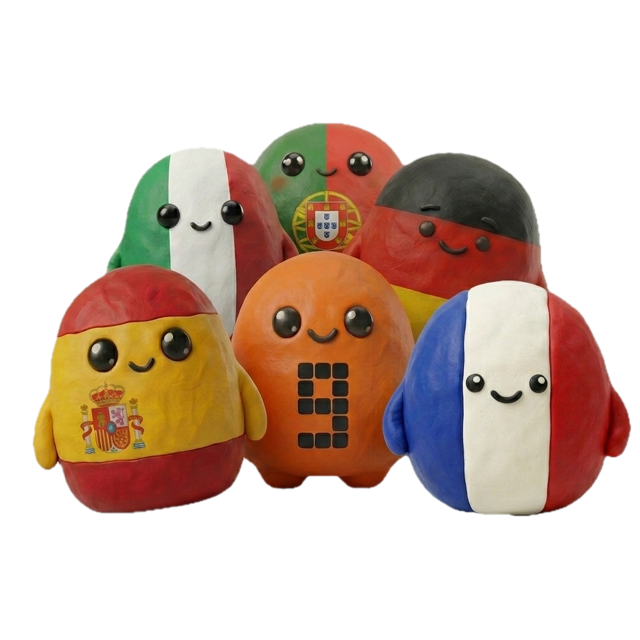
Italian is implemented in Grade 9 School as a target language and is currently labelled Beta. Teachers can create an Italian class, select its curriculum context and use the platform to connect lesson planning, language practice, assignments, feedback and progress evidence.
The Beta label matters: Italian is a real part of the current architecture, but Grade 9 does not claim identical content depth at every language and curriculum level.
Explore the topic ↓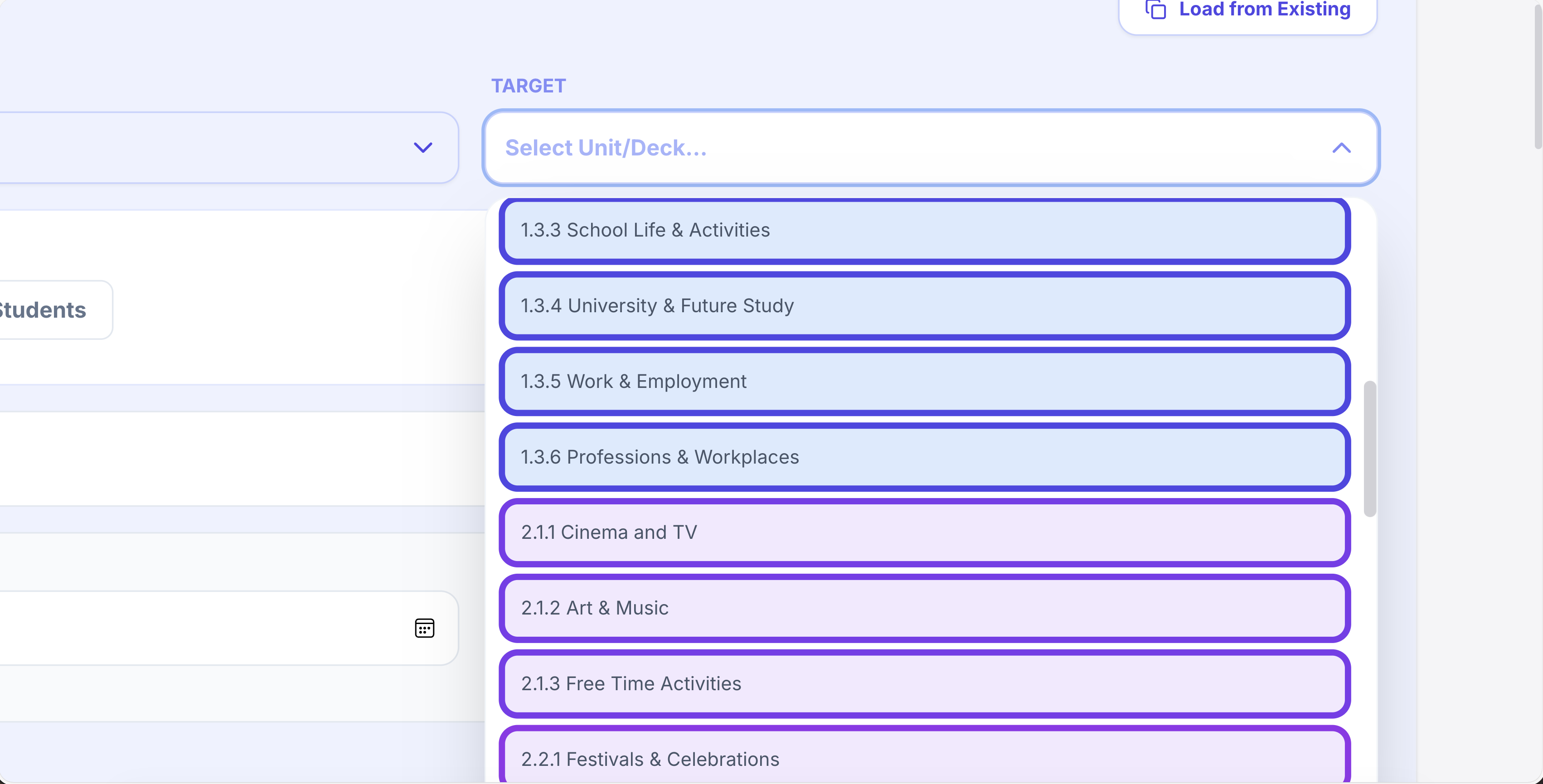
One platform for teaching, practice, feedback and progress.
Plan lessons, set homework, run live activities, generate printables, give AI-supported marking and track progress across Spanish, French, German, Portuguese and Italian.
Writing & speaking marking
Set writing and speaking tasks, collect submissions, generate detailed feedback and keep teacher review in the loop.
Explore this guide →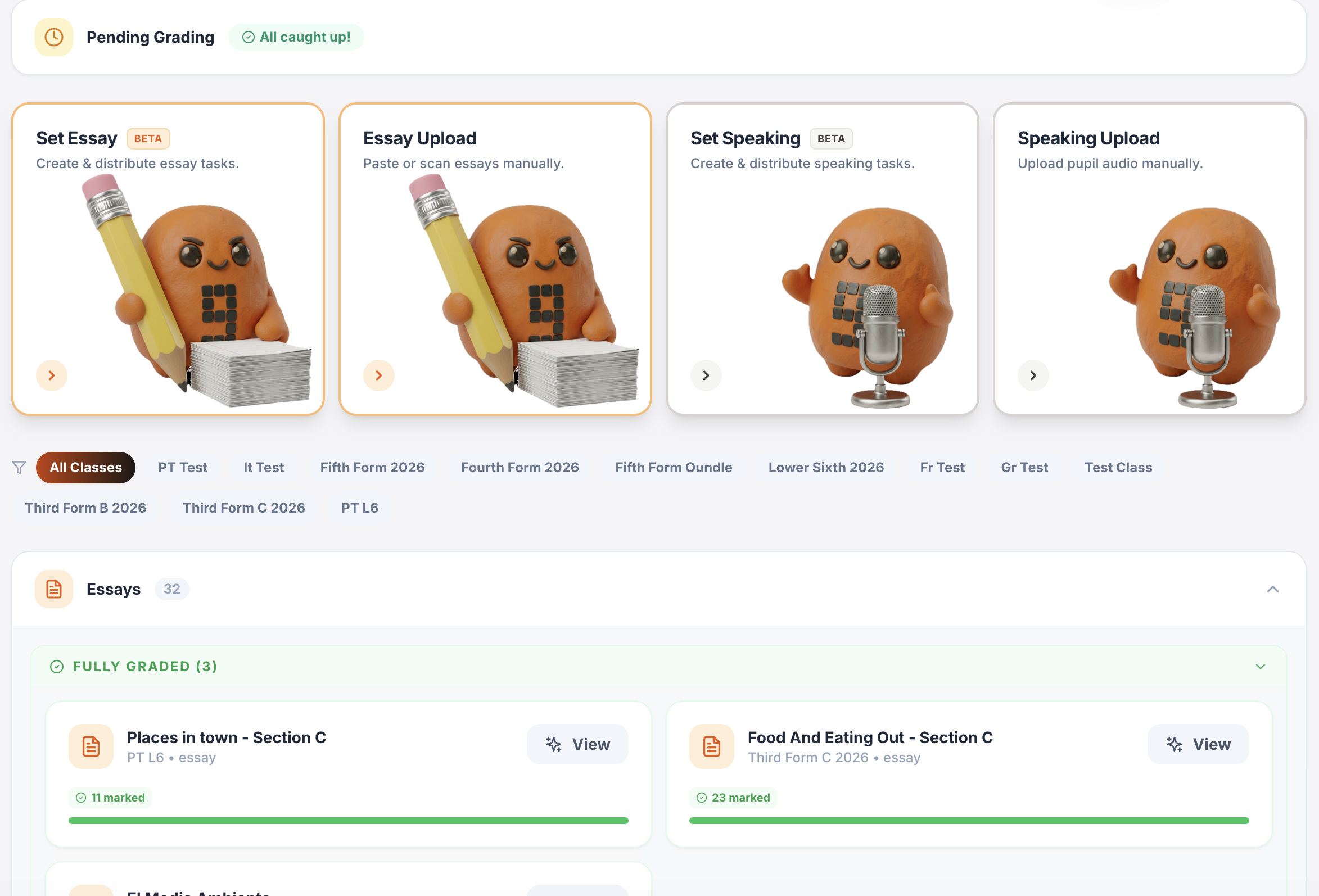
Gradebook & reports
Track scores, completion, engagement and learning evidence across classes.
Explore this guide →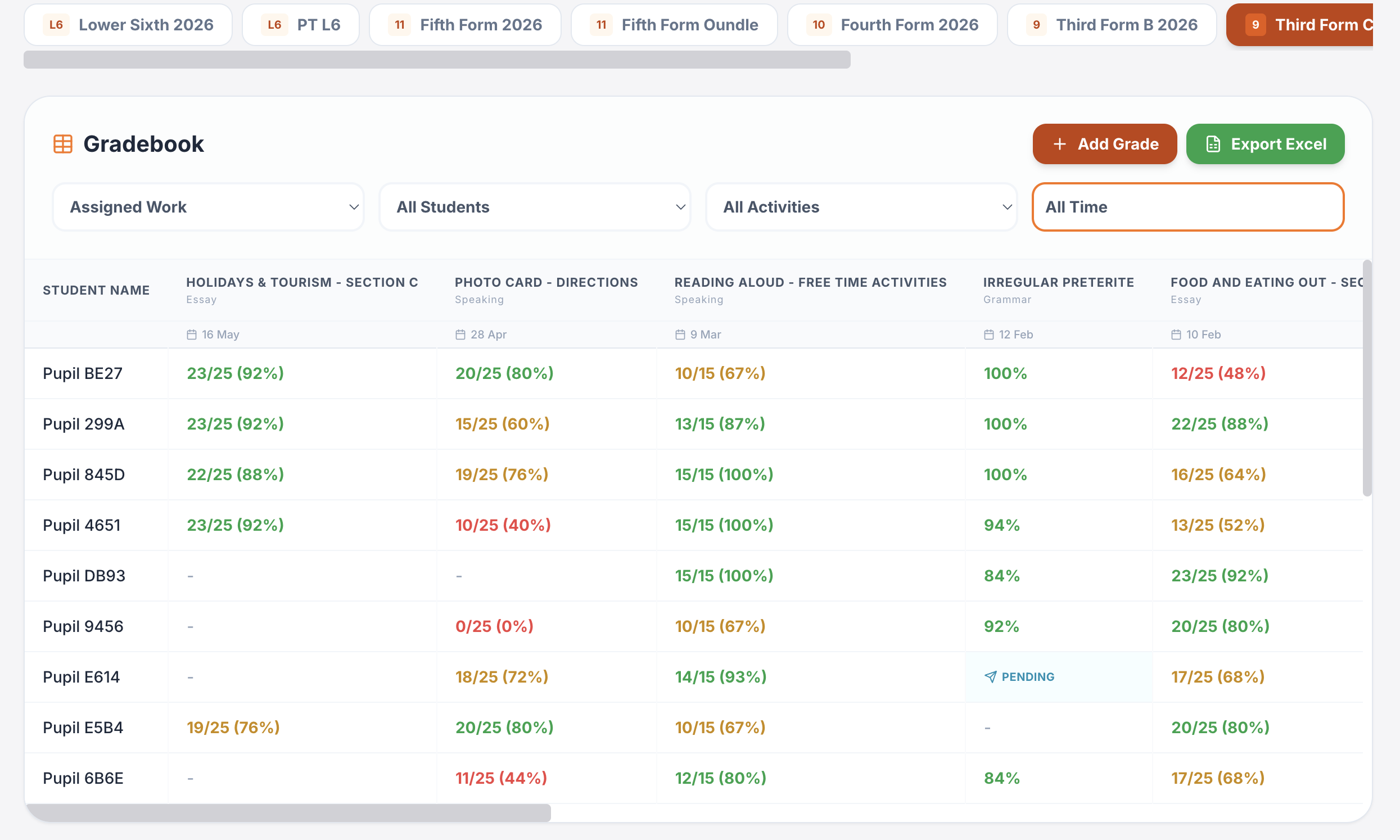
Interactive lessons
Generate, edit, save and reuse complete lesson presentations.
Explore this guide →Printables in seconds
Vocabulary, grammar, translation, reading, listening, worksheets and booklets.
Explore this guide →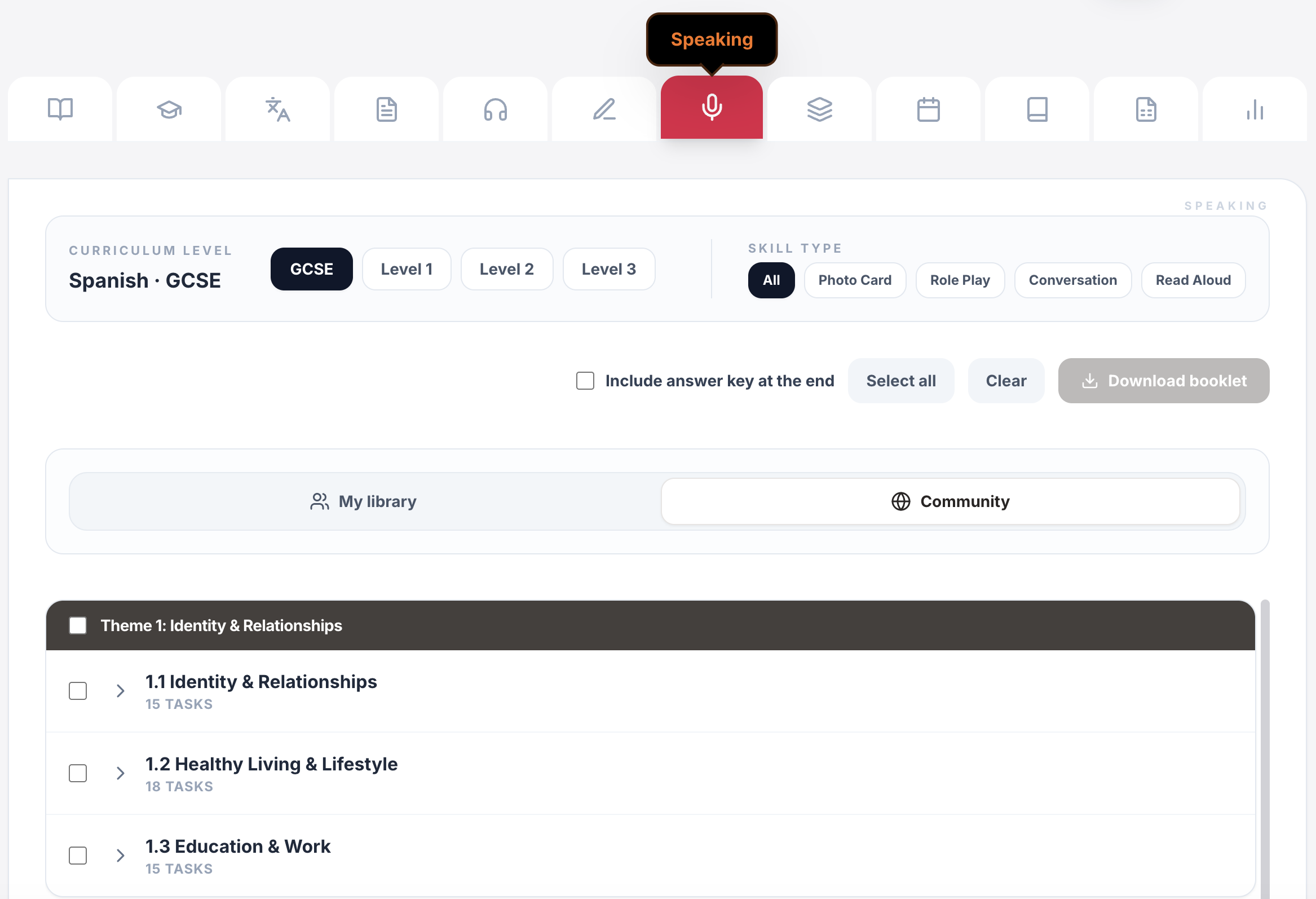
Live games & whiteboards
Turn curriculum content into whole-class competition, retrieval and live response.
Explore this guide →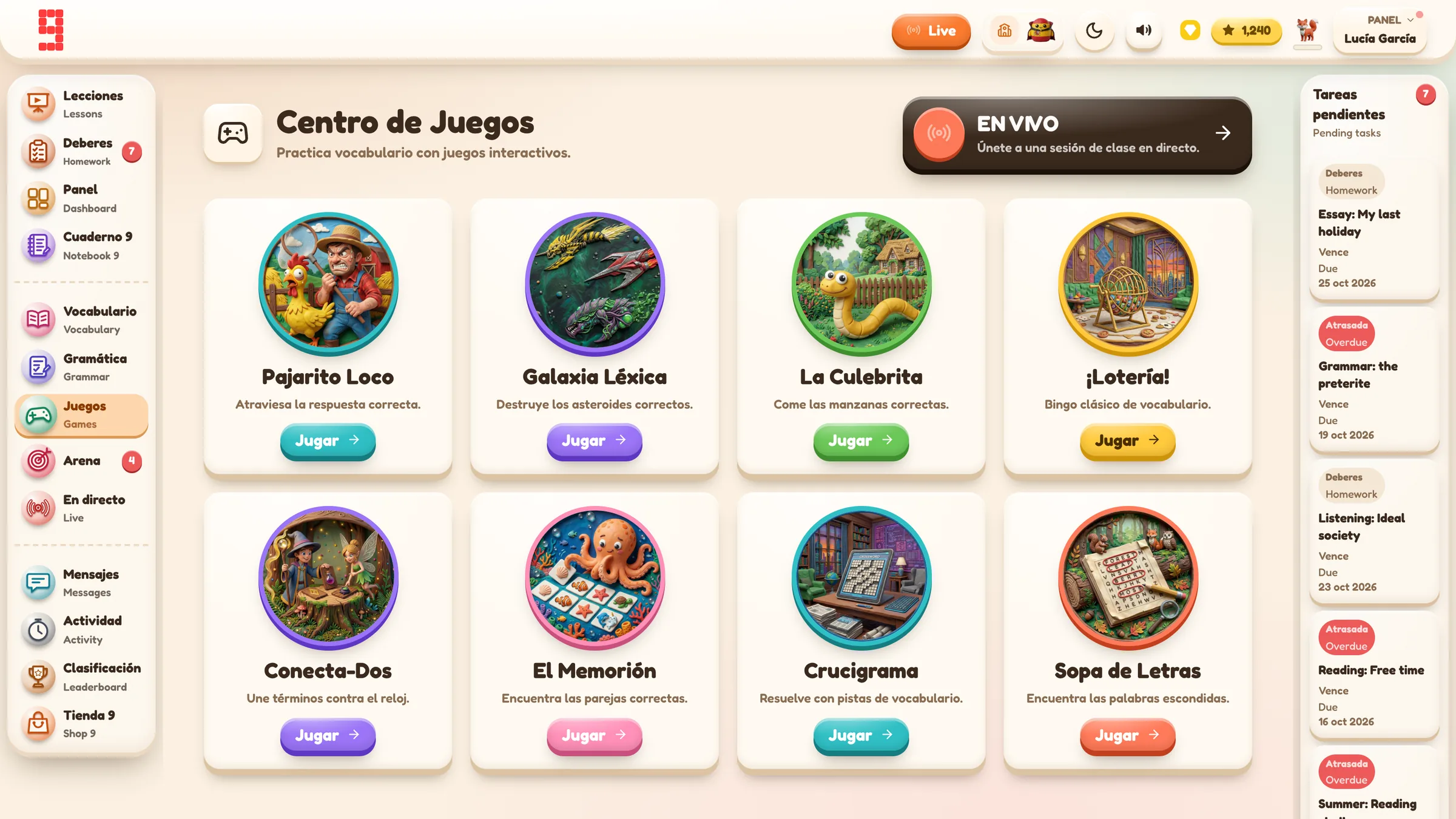
Assignments & tracking
Set work for a whole class or selected pupils, schedule it and see who has started or finished.
Explore this guide →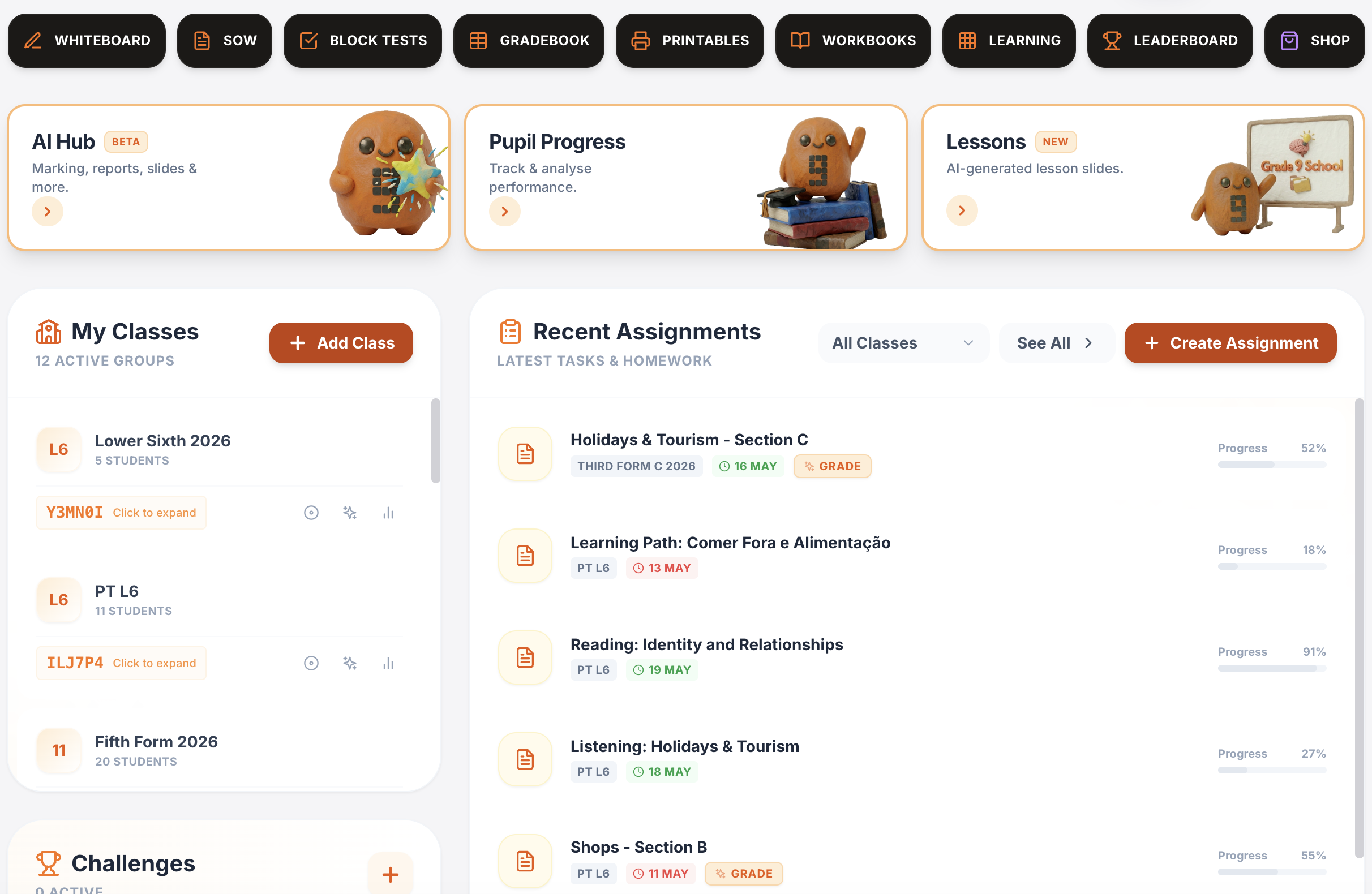
Vocabulary, grammar, translation & independent practice
Structured learning paths, flashcards, vocabulary builders, grammar, verb work, translation and tracked independent learning across supported languages.
Explore this guide →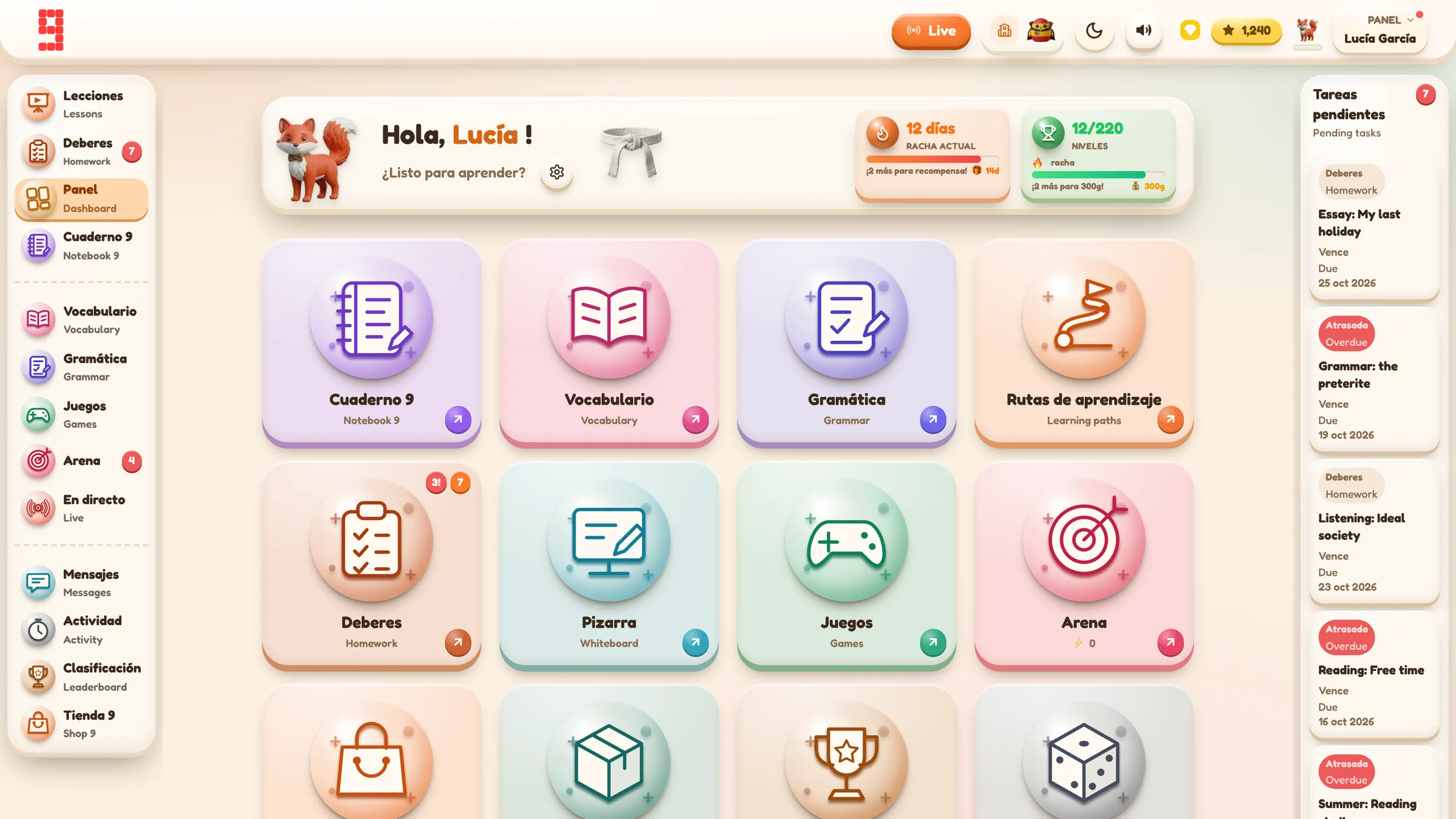
Spanish · French · German · Portuguese · Italian
Use the same platform architecture across the languages your department teaches, while keeping each class in its own language and curriculum context.
Explore language workflows →
From planning to progress, it all connects.
Curriculum management, assignments, AI feedback, printables, gradebook and lesson planning all sit inside the same Grade 9 environment.
Find the detail you need.
Open any section for the key facts, practical detail, examples and sources.
01Make Italian part of the class configuration⌄
Italian is selected as the target language when the class is created. That choice becomes part of the class context used by later curriculum and learning workflows.
For a department using several languages, this keeps Italian work separated from French, German or Spanish classes and reduces the risk of setting material from the wrong language context.
02Plan with Italian KS3 and GCSE structures⌄
The built-in scheme-of-work system includes Italian within the verified MFL set, including KS3 levels and GCSE. The current KS3 Italian planning data includes language-specific content rather than only generic translated labels, including an Italian Cultural Life unit in the Level 3 structure.
Teachers can use that curriculum context to choose units and build lessons or resources, while custom curricula remain available for departments following a different sequence.
03Use Italian vocabulary and wider language practice⌄
Italian vocabulary content is registered independently in the platform. Pupils can use the content and learning routes exposed for their selected level, while reading, translation and other practice can remain tied to the same Italian context.
Grammar and other learning areas are capability-based. Grade 9 should show what is actually available for the current Italian level rather than assuming every language has an identical catalogue.
04Set Italian speaking and writing tasks⌄
Italian is included in the current speaking-service target-language set. Teachers can collect speaking and writing work and use AI-supported feedback as part of a teacher-reviewed workflow.
This is particularly useful for repeated formative practice where pupils need another attempt after feedback rather than waiting for a large end-of-unit assessment.
05Link assignments, live practice and progress⌄
Italian work can be set as homework or class assignments, while live activities can use the selected language content for retrieval and competition. Completion and performance evidence can then feed into the gradebook and progress views.
The result is a more continuous teaching loop: plan the Italian content, practise it, set follow-up work and use the resulting evidence to decide what to revisit.
06What Beta means for Italian⌄
Italian is implemented, but Beta means teachers should not assume that every curriculum level has the same breadth as more mature language areas. Generated content should still be reviewed for language quality and pedagogy before classroom use.
Where the built-in Italian catalogue does not match a department's course, custom curricula and teacher-created content can extend the workflow without changing the class's target-language context.