 School






MFL homework: focused practice that is visible and worth doing
A practical guide to MFL homework: choose the purpose, control the task size, set release and due dates, and separate completion from performance.
Grade 9 School brings curriculum, lesson planning, practice, homework, feedback, live activities, printables and progress tracking into one connected teaching workflow.
 Spanish
 French
 German
 Portuguese
 Italian
Practice, feedback and progress in one place.

MFL homework works best when pupils can answer three questions immediately:
- What exactly am I practising?
- What counts as finished?
- When is it due?
The teacher needs a fourth answer:
- What evidence will I get back?
That is a better starting point than “I need to set homework because it is Tuesday”.
Homework is most useful when it extends a sequence that already exists in the curriculum: vocabulary retrieval, grammar consolidation, listening, reading, speaking preparation, writing, translation or revision. Planned revisiting is a recurring theme in Ofsted’s languages research review, particularly where vocabulary and grammar need to become more accessible and fluent over time. [1]
Explore the topic ↓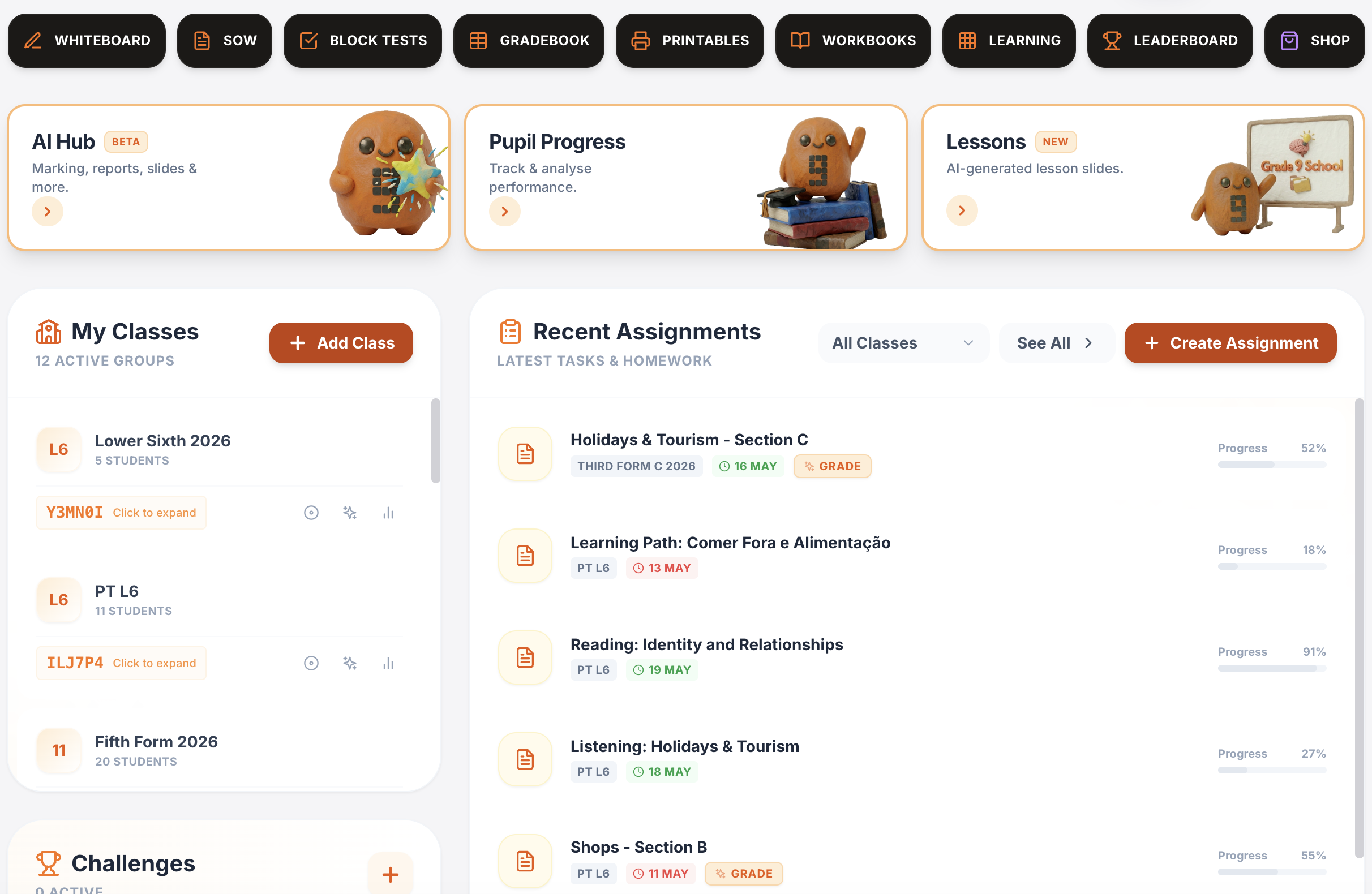
One platform for teaching, practice, feedback and progress.
Plan lessons, set homework, run live activities, generate printables, give AI-supported marking and track progress across Spanish, French, German, Portuguese and Italian.
Writing & speaking marking
Set writing and speaking tasks, collect submissions, generate detailed feedback and keep teacher review in the loop.
Explore this guide →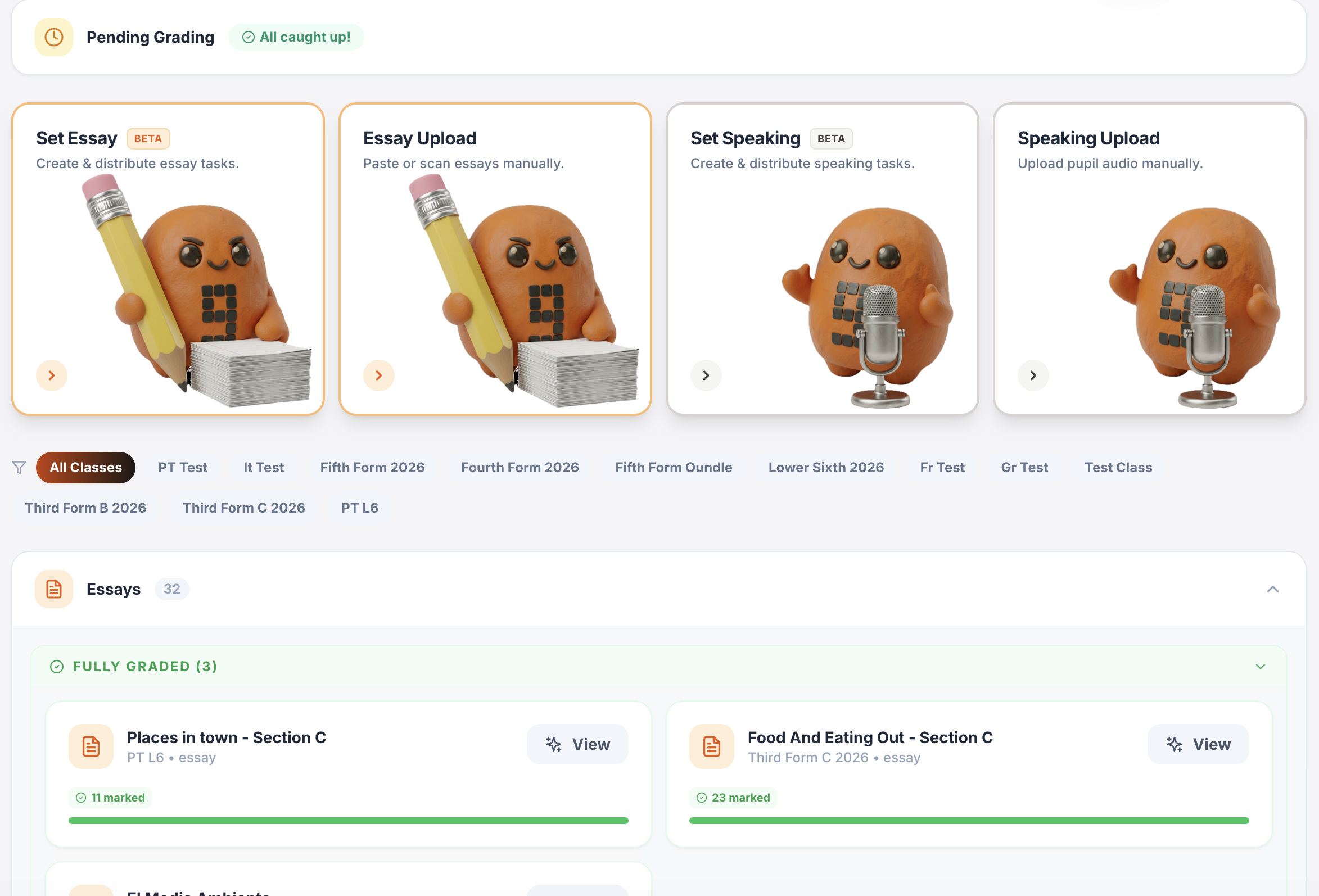
Gradebook & reports
Track scores, completion, engagement and learning evidence across classes.
Explore this guide →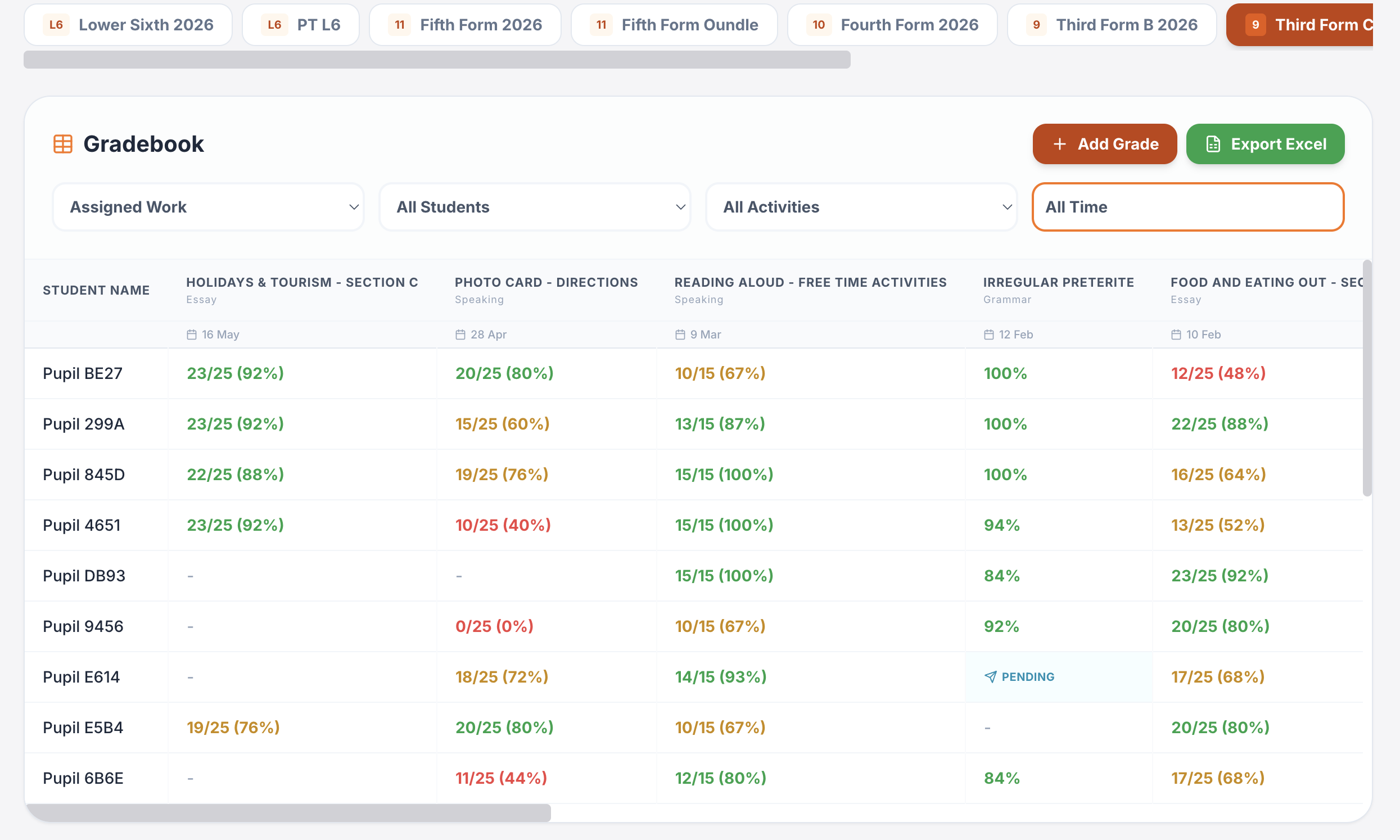
Interactive lessons
Generate, edit, save and reuse complete lesson presentations.
Explore this guide →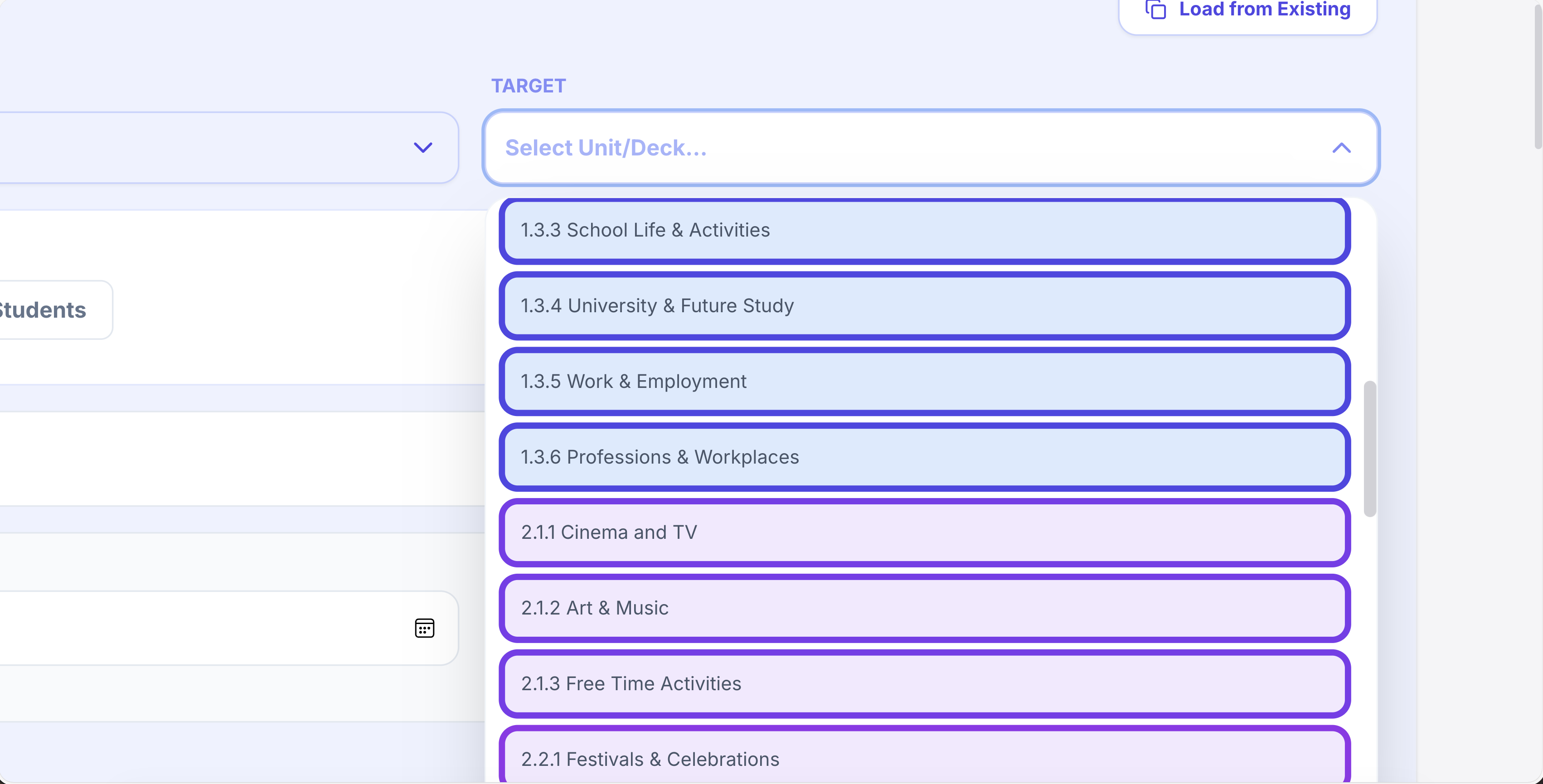
Printables in seconds
Vocabulary, grammar, translation, reading, listening, worksheets and booklets.
Explore this guide →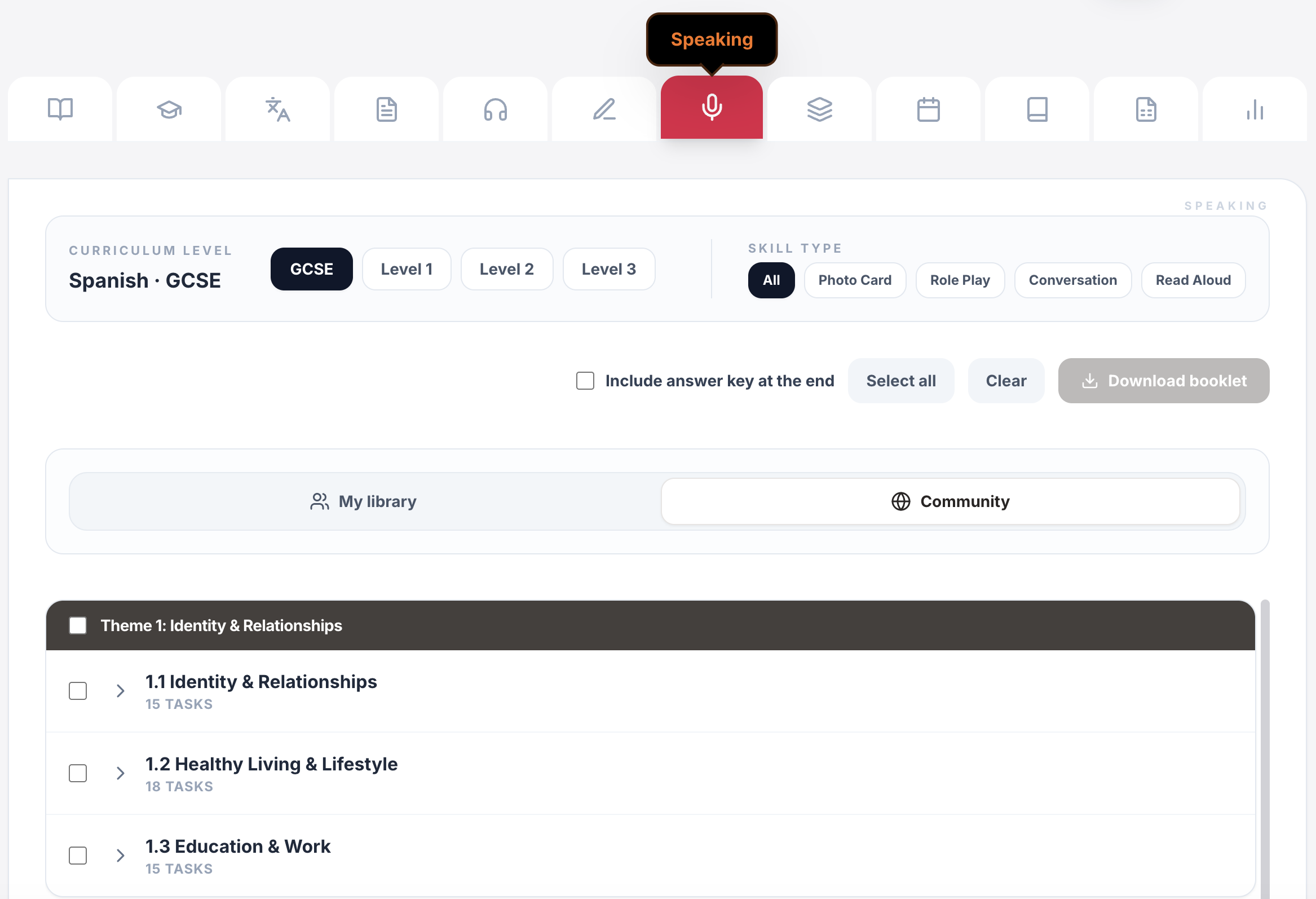
Live games & whiteboards
Turn curriculum content into whole-class competition, retrieval and live response.
Explore this guide →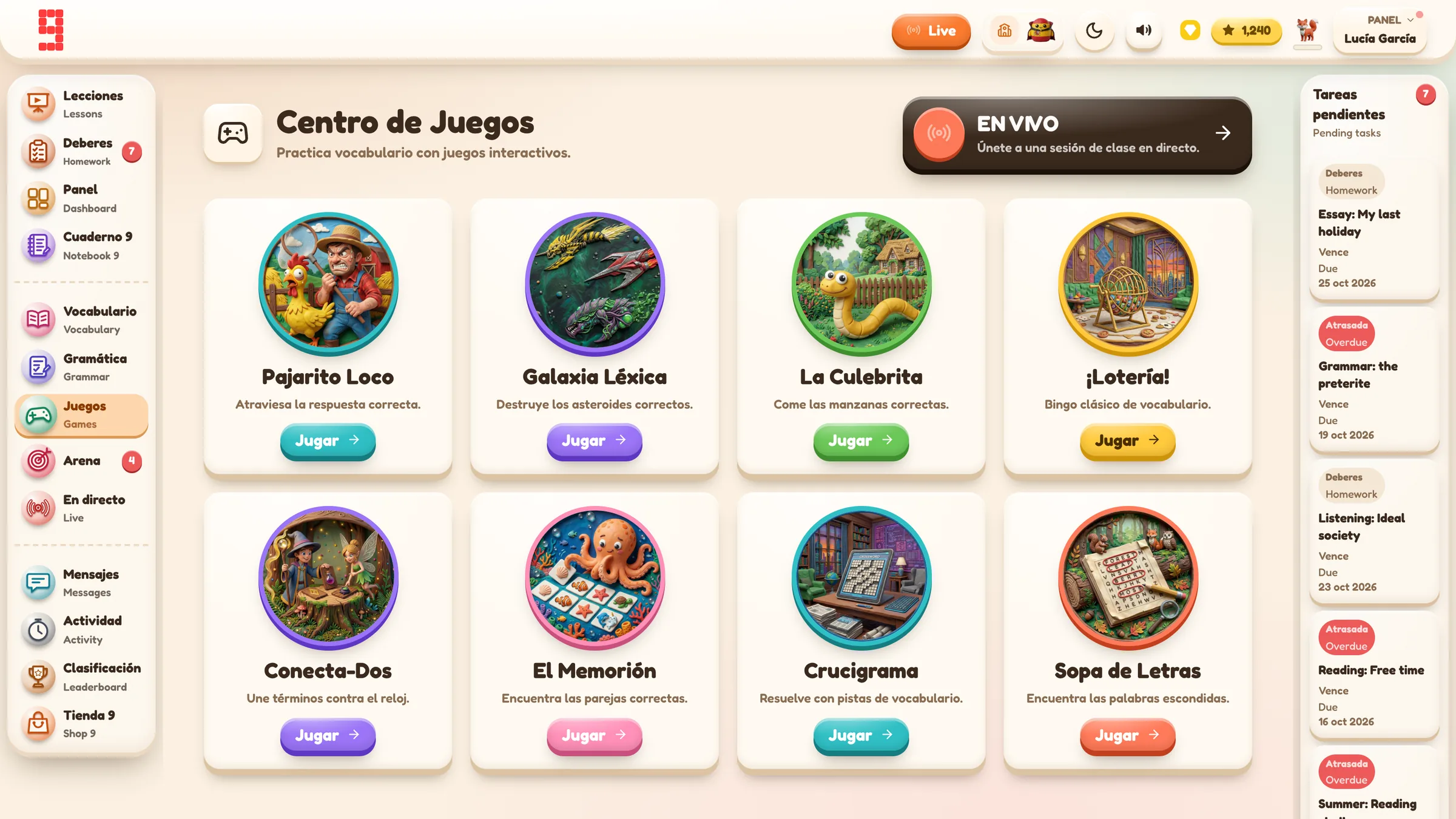
Assignments & tracking
Set work for a whole class or selected pupils, schedule it and see who has started or finished.
Explore this guide →Vocabulary, grammar, translation & independent practice
Structured learning paths, flashcards, vocabulary builders, grammar, verb work, translation and tracked independent learning across supported languages.
Explore this guide →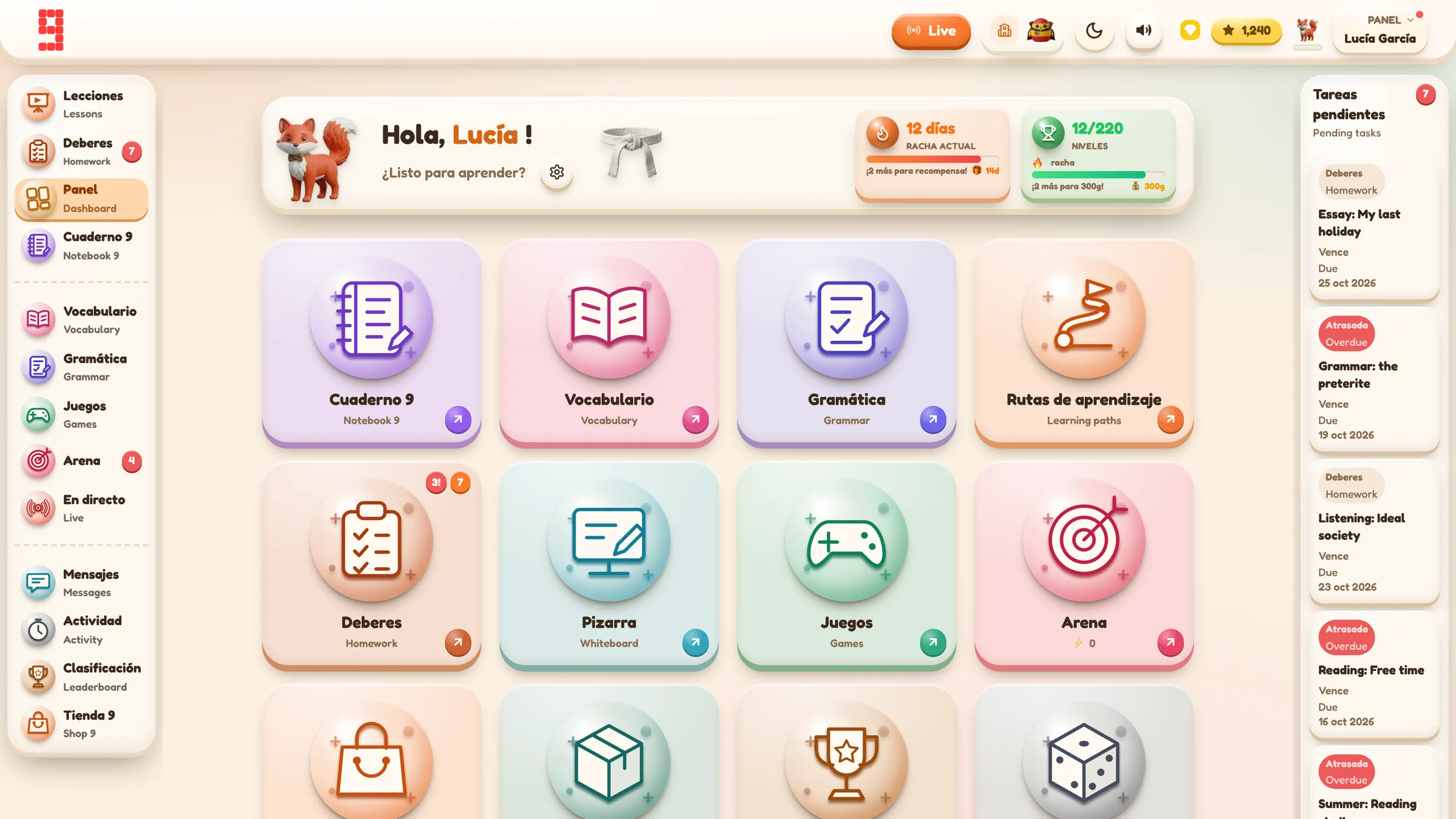
Spanish · French · German · Portuguese · Italian
Use the same platform architecture across the languages your department teaches, while keeping each class in its own language and curriculum context.
Explore language workflows →
From planning to progress, it all connects.
Curriculum management, assignments, AI feedback, printables, gradebook and lesson planning all sit inside the same Grade 9 environment.
Find the detail you need.
Open any section for the key facts, practical detail, examples and sources.
01Give the homework one main job⌄
Before choosing the platform, worksheet or activity, decide what the homework is for.
Common jobs include:
Retrieval
Bring recently taught vocabulary or structures back to mind.
Useful when:
- a new unit has just started;
- pupils need repeated exposure;
- the next lesson depends on secure recall.
Consolidation
Practise something pupils have already met in class.
Useful when:
- a grammar pattern needs more repetition;
- pupils need to move from recognition towards production;
- the class needs another short encounter before a harder task.
Preparation
Give pupils language or thinking time before a lesson.
Useful when:
- they will need ideas for speaking;
- they need to read or listen to a model first;
- you want the lesson itself to spend more time on interaction.
Independent practice
Let pupils choose or revisit curriculum-linked material without the teacher creating a new task every time.
Useful when:
- the class has a structured independent-learning route;
- pupils need different amounts of repetition;
- you want to encourage responsibility without losing the learning record.
Assessment or evidence
Collect a piece of work that you genuinely intend to inspect, mark or use diagnostically.
Useful when:
- the result will change what you teach next;
- pupils need feedback;
- you need evidence of a specific taught outcome.
If a homework task is trying to do all five jobs, it is probably too large.
02Keep the scope small enough to finish properly⌄
The easiest way to make homework feel “challenging” is to make it long. That is rarely the most useful way.
For a vocabulary assignment, for example, you might choose four activities that deliberately change the demand:
- recognition;
- matching or categorisation;
- sentence-level manipulation;
- translation or production.
That is different from assigning every available activity because the software lets you.
A manageable task gives you cleaner evidence. If half the class stop partway through a huge assignment, you learn less about the actual language than you think.
03Match the homework to the taught curriculum⌄
Generic language apps are convenient, but homework becomes harder to connect to teaching when pupils practise unrelated content.
Before setting the task, check:
- target language;
- curriculum or scheme-of-work context;
- exact vocabulary/grammar focus;
- whether the level matches the class;
- whether the task uses language pupils have actually met.
This is particularly important if a pupil belongs to more than one class or is learning more than one language.
04Whole class or selected pupils?⌄
Not every homework task needs to go to everyone.
Whole-class work is appropriate when the entire class needs the same consolidation.
Selected-pupil work can be more useful when:
- a group missed a key task;
- specific pupils need additional retrieval;
- some pupils are ready for an extension;
- you are following up a misconception that only affects part of the class.
The important point is to preserve the difference. A targeted task should not make non-targeted pupils appear as though they have failed to complete it.
In Grade 9, the audience is stored with the assignment. Completion counts for a targeted assignment are calculated against the pupils who were actually selected rather than automatically against the full class roster.
05Schedule and due date are different⌄
These two controls answer different questions.
Schedule: when should the task become visible?
Due: when should the task be completed?
Example:
- Lesson finishes Tuesday at 15:30.
- Homework should appear Tuesday at 17:00.
- It is due Friday.
That is a scheduled Tuesday release with a Friday due date.
Do not use “schedule” as a synonym for “deadline”.
06Make “finished” unambiguous⌄
Different MFL tasks have different completion conditions.
A vocabulary unit may require the assigned activity set to be completed and the pupil to use the final save/finish action.
A writing or speaking submission may have a submitted state and then wait for teacher review.
A homework pass, where the teacher has allowed one, can create a separate completed state.
A useful homework system should therefore show more than a binary tick if the workflow needs more nuance.
Current Grade 9 assignment states include:
- Pending
- In Progress
- Awaiting Approval where the task requires teacher review
- Done
- Pass Used where an allowed homework pass was used
07Completion is not the same as performance⌄
Completion tells you whether the pupil finished the task; performance tells you how successful the responses were. A pupil can finish conscientiously and still need reteaching, while another can have strong partial work but not complete the assignment. For the fuller distinction between completion, score, trend and evidence, see MFL progress tracking.
08Use the exact assignment, not a lookalike activity⌄
Pupils may be able to practise the same vocabulary independently.
That independent practice is useful, but it should not automatically count as completion of a specific teacher-set task merely because the title or unit looks similar.
Grade 9’s current progress model links modern assignment work using the assignment’s unique identifier. This means a pupil can practise a vocabulary unit independently and later complete a teacher-set assignment based on the same unit without the platform having to pretend those are the same event.
This is a small technical detail with a useful classroom consequence: “I did that vocabulary yesterday” and “I completed the homework you set” do not have to mean the same thing.
09Three homework examples⌄
Example 1: Year 8 vocabulary retrieval
Purpose: retrieval and consolidation.
Set:
- one curriculum vocabulary unit;
- four selected activities;
- whole class;
- due Thursday.
Teacher checks:
- who is Pending;
- who is In Progress;
- who is Done;
- score only after completion status is understood.
Next lesson:
Use two weak items from the class evidence in the starter rather than retesting the entire list.
Example 2: targeted grammar catch-up
Purpose: consolidation after a misconception.
A class has practised adjective agreement. Most pupils are secure, but six pupils are still applying one form everywhere.
Set a short selected-pupil task focused on the exact contrast.
The rest of the class should not appear as missing homework because they were never targeted.
Example 3: speaking preparation
Purpose: preparation rather than final assessment.
Set pupils a small language-rehearsal task before the next lesson:
- retrieve five useful phrases;
- prepare two opinions;
- rehearse one question.
The next lesson can then spend more time on interaction and less time waiting for pupils to invent basic language from scratch.
10What to review after the deadline⌄
Do not begin by scanning for the highest and lowest score.
Use this order:
- Who was actually targeted?
- Who has not started?
- Who started but did not finish?
- Who finished?
- Which completed results suggest a language problem?
- Does the next lesson need whole-class retrieval, targeted follow-up or no intervention at all?
That sequence separates a behaviour/completion issue from a learning issue.
11Common MFL homework mistakes⌄
Setting every available activity
More is not automatically better. Choose the smallest set that does the teaching job.
Setting unrelated vocabulary because it is easy to access
Homework should reinforce the curriculum pupils are actually studying.
Confusing schedule with due date
Release time controls visibility. Due date controls the expected completion point.
Treating “Done” as “mastered”
A completed task can still contain weak performance.
Treating a high score as proof the assignment is complete
An in-progress record may already contain scored activity.
Changing a fundamental task setting after pupils have started
In Grade 9, some ordinary assignment fields can be edited later, such as title and due date, but not every creation choice is exposed in the same edit dialog. If the audience, target or activity scope is fundamentally wrong, creating the correct task can be cleaner than trying to repurpose the existing one.
12How Grade 9 School supports MFL homework⌄
The ordinary assignment workflow lets a teacher:
- choose the class;
- choose whole class or specific pupils;
- select the curriculum-linked task;
- narrow the activity scope;
- set a due date;
- optionally schedule a future release;
- decide whether a homework pass is allowed;
- review pupil status and score separately.
For a first vocabulary assignment, the current route is:
Teacher Dashboard → Create Assignment → class → Vocabulary Unit → target unit → activities → due date → Assign Task
The useful part is the link from task design to evidence afterwards. The assignment is not just a link sent to pupils. It remains connected to the class, the targeted pupils and the progress they create.
14Sources⌄
[1] Ofsted, Research review series: languages:
https://www.gov.uk/government/publications/curriculum-research-review-series-languages/curriculum-research-review-series-languages
Search-intent context checked in the original worker draft:
- TES current MFL planning/homework resource results
- UK school MFL homework/curriculum pages
- current MFL platform assignment pages
The page does not rely on those commercial/search results for product or assessment facts.