 School






MFL speaking feedback: listen, diagnose, improve, re-record
A practical MFL speaking-feedback workflow for recordings: listen first, diagnose the real issue, set a precise target, re-record, and use AI transcription with teacher review.
Grade 9 School brings curriculum, lesson planning, practice, homework, feedback, live activities, printables and progress tracking into one connected teaching workflow.
 Spanish
 French
 German
 Portuguese
 Italian
Practice, feedback and progress in one place.

Speaking feedback has one advantage over written feedback: the pupil can hear the evidence.
It also has one major risk: a transcript can make a weak spoken response look cleaner than it sounded.
The core rule is simple:
The recording is the evidence. A transcript is only a working representation of it.
That matters whether feedback is entirely teacher-led or supported by AI.
Explore the topic ↓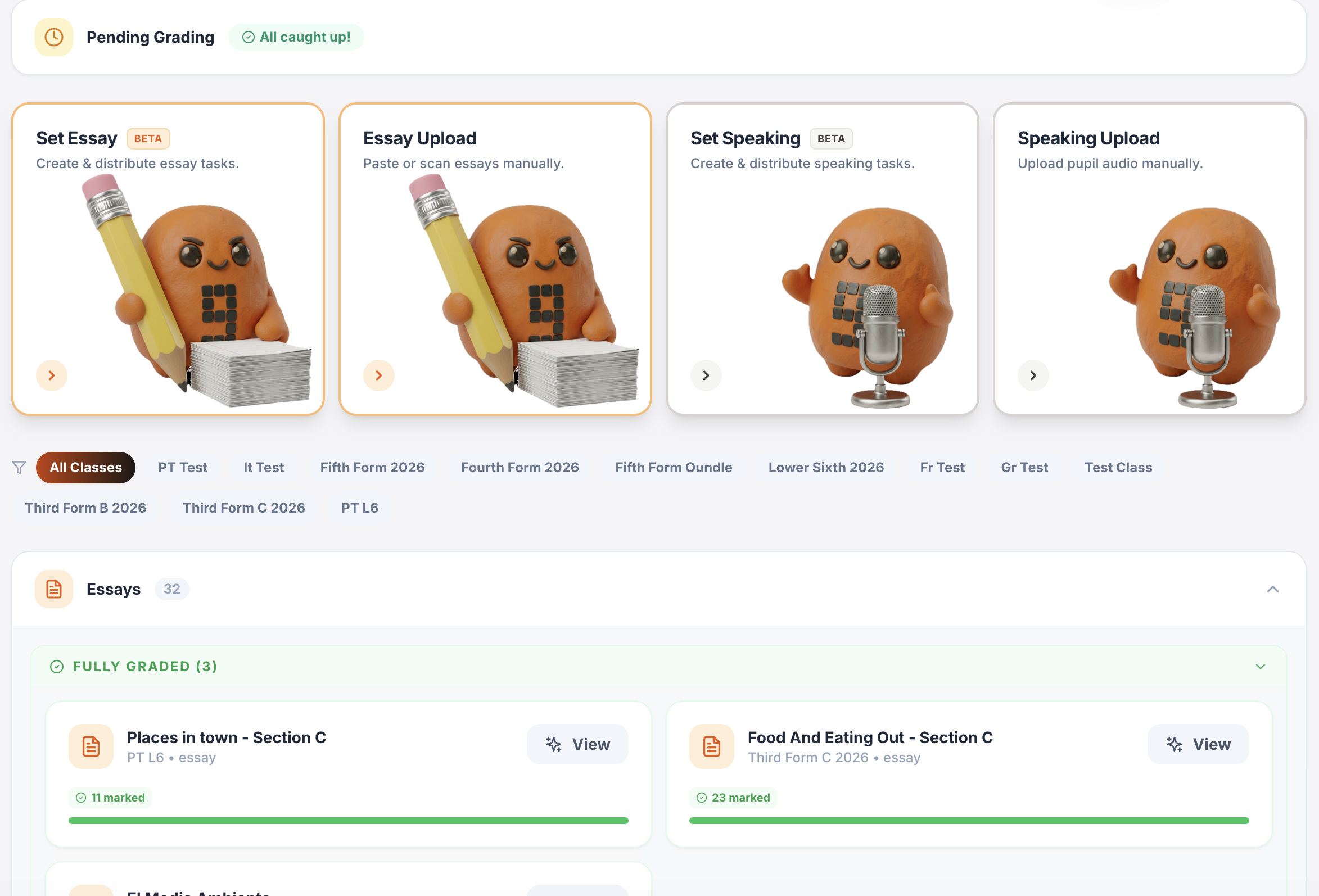
One platform for teaching, practice, feedback and progress.
Plan lessons, set homework, run live activities, generate printables, give AI-supported marking and track progress across Spanish, French, German, Portuguese and Italian.
Writing & speaking marking
Set writing and speaking tasks, collect submissions, generate detailed feedback and keep teacher review in the loop.
Explore this guide →Gradebook & reports
Track scores, completion, engagement and learning evidence across classes.
Explore this guide →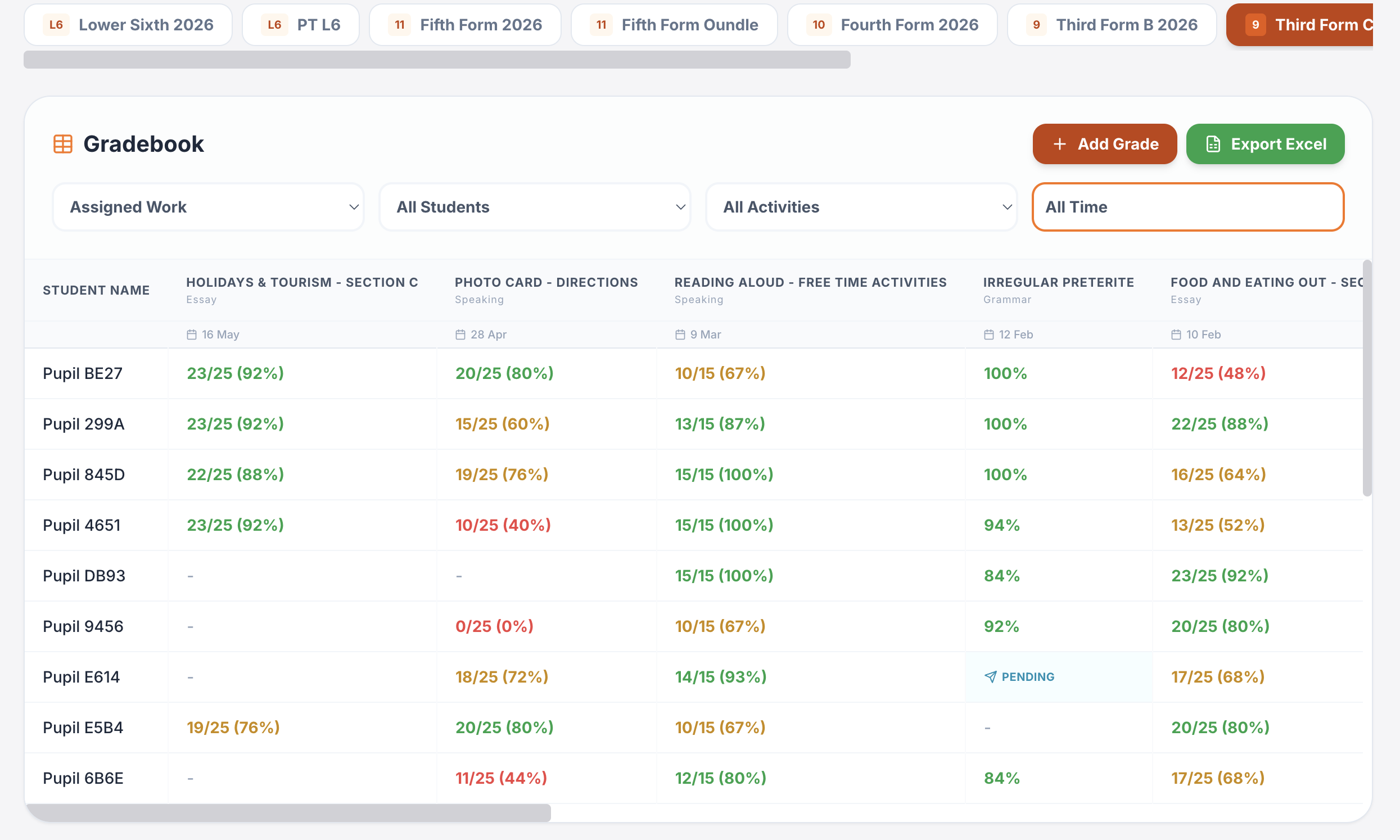
Interactive lessons
Generate, edit, save and reuse complete lesson presentations.
Explore this guide →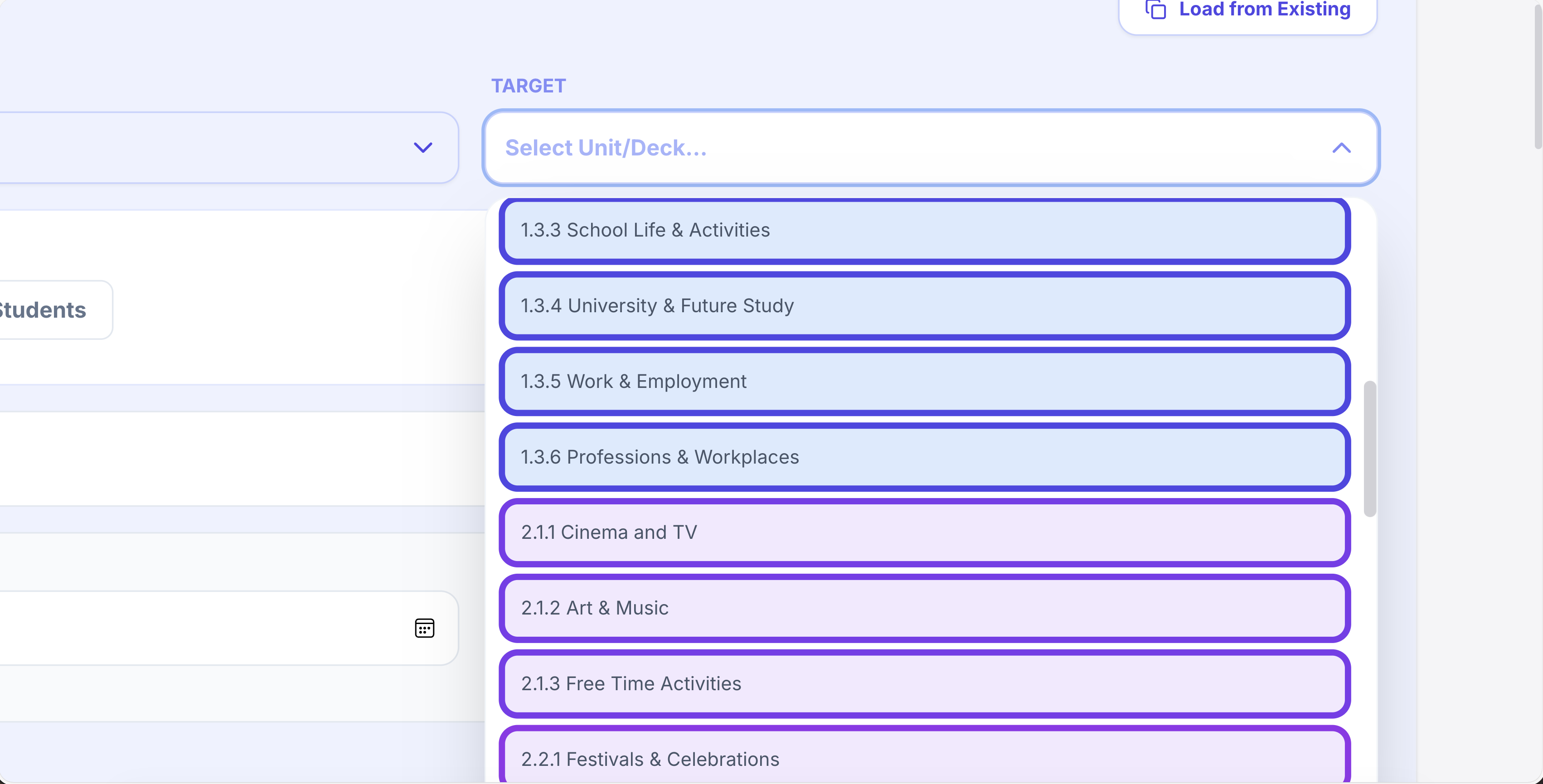
Printables in seconds
Vocabulary, grammar, translation, reading, listening, worksheets and booklets.
Explore this guide →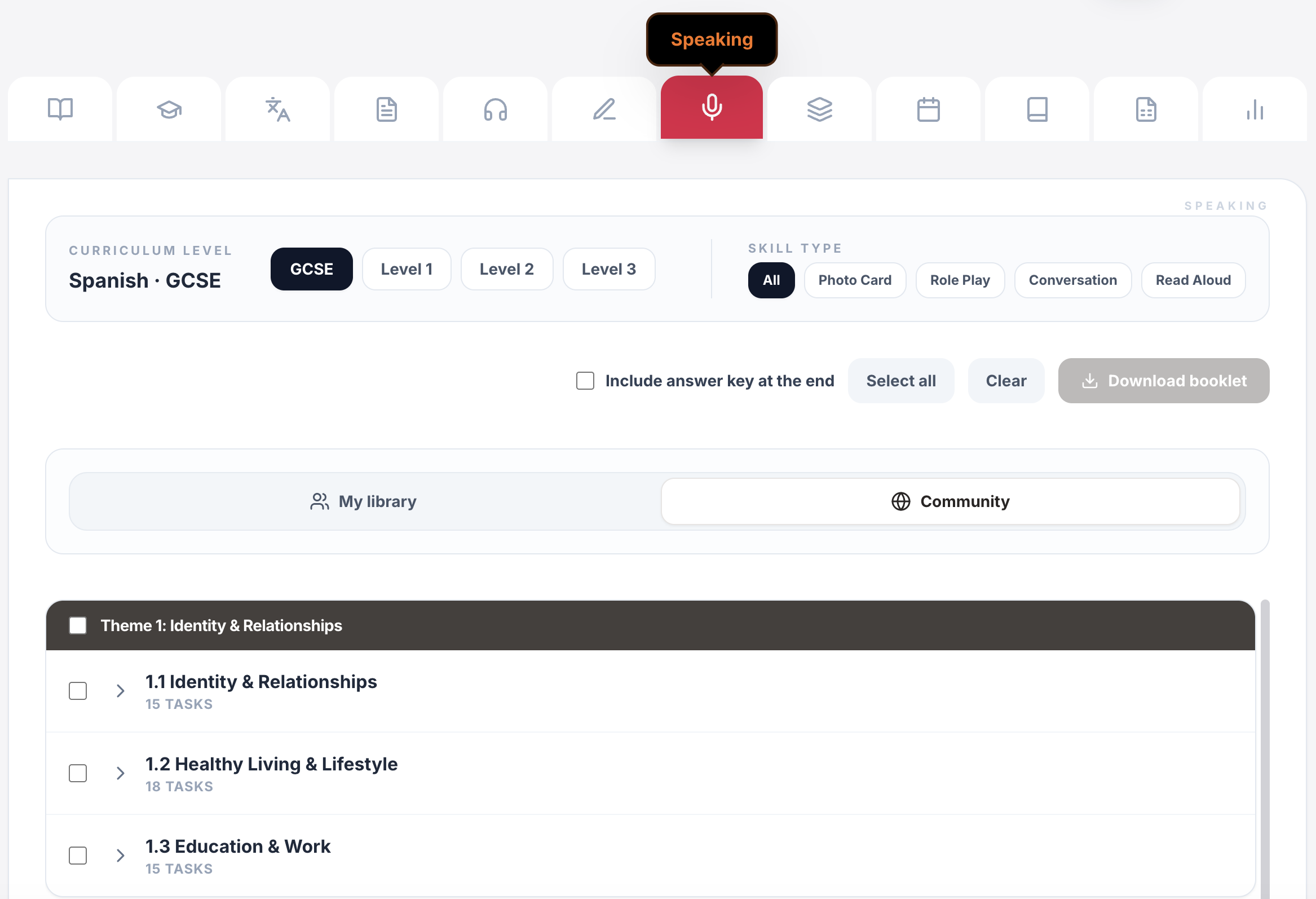
Live games & whiteboards
Turn curriculum content into whole-class competition, retrieval and live response.
Explore this guide →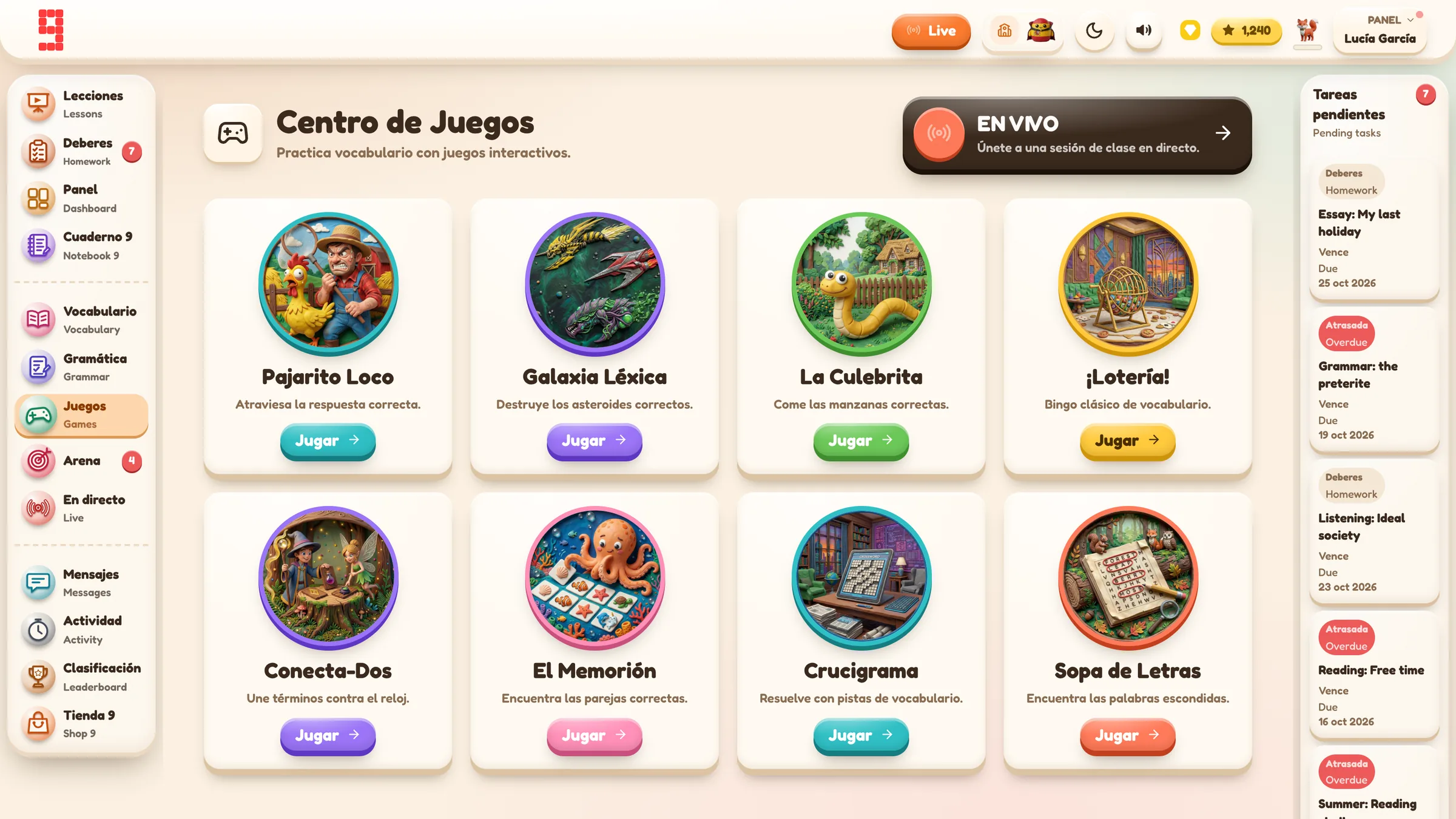
Assignments & tracking
Set work for a whole class or selected pupils, schedule it and see who has started or finished.
Explore this guide →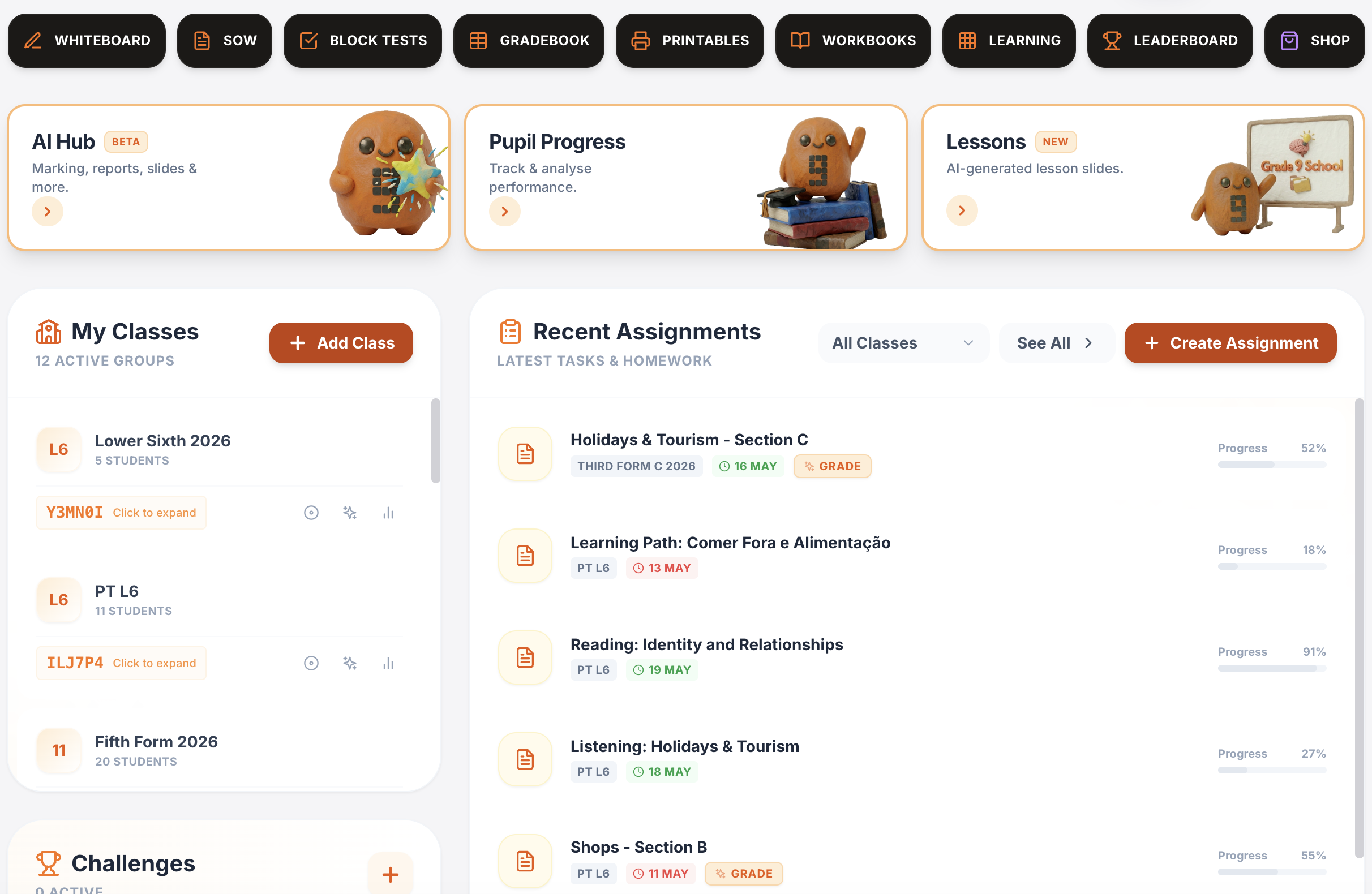
Vocabulary, grammar, translation & independent practice
Structured learning paths, flashcards, vocabulary builders, grammar, verb work, translation and tracked independent learning across supported languages.
Explore this guide →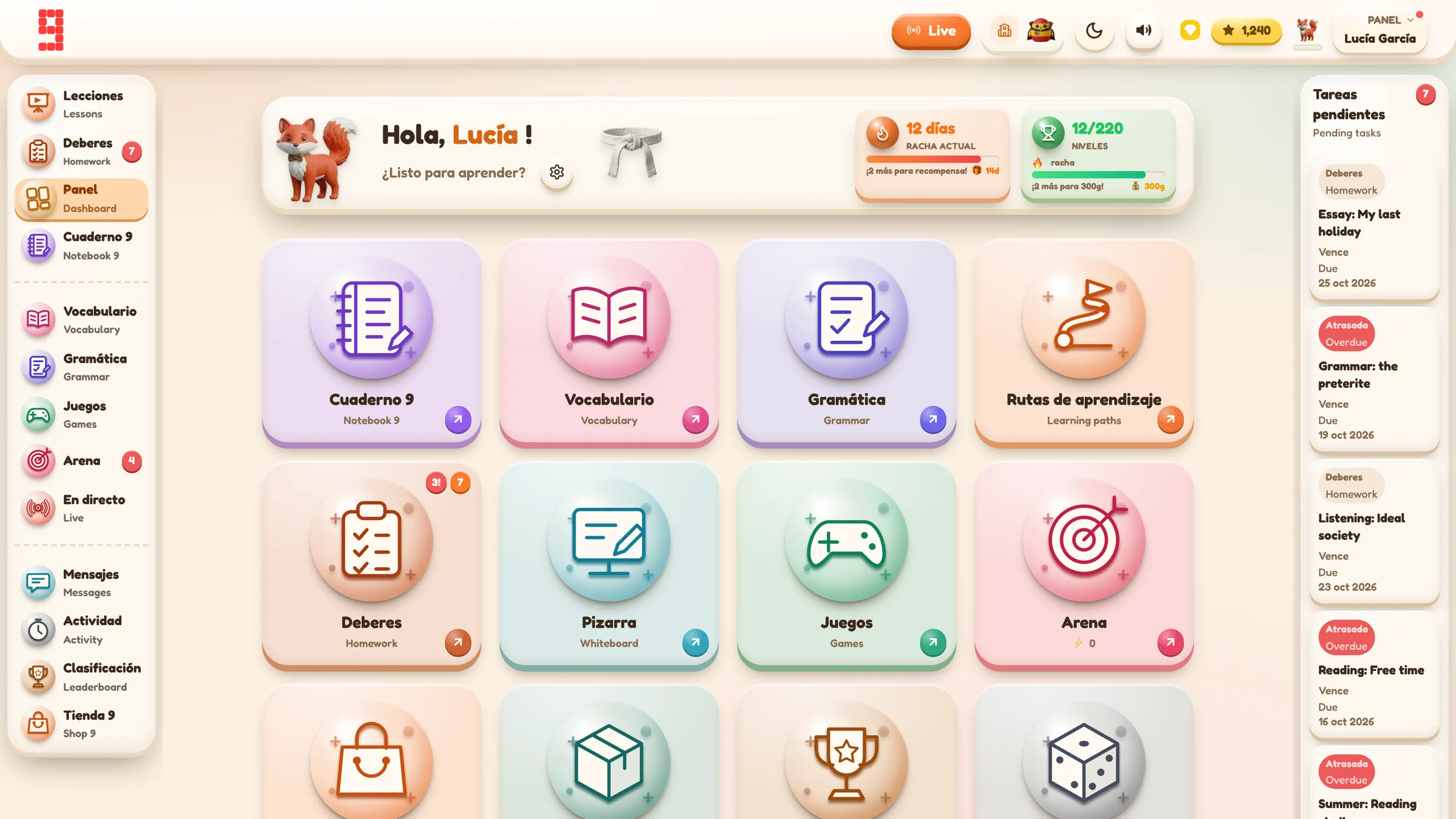
Spanish · French · German · Portuguese · Italian
Use the same platform architecture across the languages your department teaches, while keeping each class in its own language and curriculum context.
Explore language workflows →
From planning to progress, it all connects.
Curriculum management, assignments, AI feedback, printables, gradebook and lesson planning all sit inside the same Grade 9 environment.
Find the detail you need.
Open any section for the key facts, practical detail, examples and sources.
01Start by identifying what kind of problem you heard⌄
“Speaking needs improvement” is not a target.
A pupil’s response can break down for very different reasons:
- the message is incomplete;
- the wrong information was given;
- pronunciation obscures meaning;
- the pupil hesitates so much that the response loses coherence;
- grammar or verb form changes the intended meaning;
- range is too limited for the task;
- a required question or task element is missed;
- the response is memorised but does not fit the prompt.
Those problems require different feedback.
Before correcting anything, decide which one is actually limiting the performance.
02Listen before reading the transcript⌄
If an AI system has produced a transcript, hide it for the first listen where possible.
Ask:
- What did I genuinely hear?
- Which parts were immediately clear?
- Where did I have to infer?
- Did the pupil communicate the required meaning?
- Which pronunciation features affected comprehensibility?
- Was hesitation a retrieval problem, a language-control problem or simply normal thinking time?
Then compare with the transcript.
A transcript can be useful for locating grammar and vocabulary evidence. It is poor evidence for pronunciation on its own. Correct text on screen does not prove that the sounds were clear, and an incorrect transcript does not automatically prove that the pupil said the wrong language.
03Feedback should name the evidence⌄
Weak:
Improve pronunciation.
Better:
Your final -ado endings are being swallowed, so “he visitado” is difficult to hear. Re-record these three phrases slowly, then say the full answer again at normal pace.
Weak:
More detail.
Better:
Your answer gives an opinion but no reason. Add one because-clause, then extend it with an example.
Weak:
Tenses.
Better:
When you describe last weekend, keep the main verbs in the past. You begin with “fui” but then switch to “juego” and “como”.
The pupil should know exactly what to rehearse next.
04A practical speaking-feedback sequence⌄
1. Listen once for meaning
Do not pause every few seconds.
Decide whether the response communicates what the task requires.
2. Listen again for the main limiting feature
Pick one priority:
- task completion;
- clarity;
- pronunciation;
- grammatical control;
- range;
- development;
- interaction;
- fluency/retrieval.
3. Select a small piece of audio
Choose the sentence or short extract where the problem is visible.
4. Give a precise model or correction
Do not replace the whole answer. Give enough support for the pupil to repair it.
5. Make the pupil re-record
A speaking target should usually lead to speaking, not a written worksheet.
6. Compare versions
Ask:
- What changed?
- Is the meaning clearer?
- Is the target audible?
- Can the pupil reproduce the improvement without reading a script?
05Match the feedback to the actual task⌄
Speaking criteria must match the task and board the pupil is actually completing. A pronunciation issue in a read-aloud task, a missed communicative point in a role play and weak development in a conversation are different problems and should not be collapsed into one generic “speaking score”.
For the current GCSE Spanish task structures and board comparison, see GCSE Spanish speaking exam.
06Pronunciation: focus on intelligibility, not accent removal⌄
The goal is not to make pupils sound as though they grew up in Madrid, Bogotá or Buenos Aires.
The useful questions are:
- Can the listener identify the words?
- Are sound-symbol correspondences sufficiently controlled?
- Does a pronunciation error change or obscure meaning?
- Is the pupil consistently misproducing a high-frequency sound pattern?
AQA’s current read-aloud criteria explicitly distinguish pronunciation errors that affect communication from those that do not.
That suggests a sensible classroom priority: spend feedback time on errors that damage comprehensibility before cosmetic accent differences.
07Fluency: diagnose the cause of hesitation⌄
Not all pauses mean the same thing.
A pupil may hesitate because:
- they cannot retrieve the word;
- they are building an unfamiliar verb form;
- they are trying to remember a memorised paragraph;
- the question was not understood;
- they are self-correcting;
- they are nervous.
A feedback target such as “be more fluent” is therefore too vague.
Better targets are causal:
Build a two-second starter for opinion questions so you can begin while you plan the detail.
Practise the past-tense verb sequence separately before re-recording the full answer.
Stop memorising the whole paragraph. Practise three interchangeable sentence frames instead.
08Do not let the transcript overrule the audio⌄
This is the central limitation of AI-assisted speaking feedback.
Automatic transcription can mishear:
- regional or learner accents;
- quiet speech;
- clipped audio;
- background noise;
- hesitations;
- code-switching;
- names;
- ambiguous verb endings.
If the transcript says the pupil used a correct form but the recording is not clear enough to support that judgement, listen again.
If the transcript is wrong but the recording is clear, correct the feedback rather than asking the pupil to “fix” something they did not say.
For consequential marks and pronunciation comments, the audio wins.
09Where AI-assisted speaking analysis can help⌄
AI can reduce some mechanical work in a class set by preparing a draft:
- transcription;
- likely errors;
- language-range notes;
- task-specific strengths;
- suggested improvement points;
- provisional rubric alignment.
The local review boundary is straightforward: the teacher listens to the original recording, checks the task and rubric, corrects the transcript/analysis where needed, and decides what feedback is published. For the wider school-level governance case, see Teacher-controlled AI in schools.
10A teacher review checklist for speaking⌄
Before publishing AI-assisted speaking feedback, check:
- Does the transcript broadly match the recording?
- Is the selected task and rubric correct?
- Has required meaning been credited accurately?
- Are pronunciation comments supported by what can actually be heard?
- Does the mark breakdown match the evidence?
- Is the target specific enough to rehearse?
- Could recording quality, noise or clipping have affected the analysis?
- Would I defend this final mark and feedback to the pupil?
If not, edit it or reject it.
11The Grade 9 School speaking workflow⌄
Grade 9 separates the pupil recording from the later AI analysis.
The current workflow is:
teacher sets speaking task → pupil records → pupil submits audio → teacher opens the speaking queue → AI prepares a draft analysis → teacher listens to the original recording → teacher checks transcript, marks and feedback → teacher edits/overrides → Approve & Send publishes the teacher-approved result
The AI analysis transcribes first, then applies the supplied task and rubric context. That order is useful, but it does not make the transcript infallible.
Grade 9 also distinguishes states such as Submitted, Draft Ready, Updated Draft and Marked. A new AI draft can exist while older teacher-approved feedback remains published. Regenerating does not silently replace what the pupil already sees.
12Make the improvement spoken⌄
Where the Grade 9 Feedback Action feature is enabled, a speaking follow-up can include:
- read the approved feedback;
- identify the target;
- listen to the original recording;
- record corrected sentences;
- re-record the relevant extract;
- compare the versions;
- reflect on the improvement.
The teacher then reviews the new evidence and decides whether the target has been met.
An optional AI evidence check can support that review where enabled, but the teacher still makes the final decision.
This is the right direction for speaking feedback because the action matches the skill.
13A classroom example⌄
A pupil submits a GCSE-style speaking task.
The AI draft awards full credit for one response. The transcript looks plausible.
When the teacher listens, the pupil has used the wrong person in the main verb, changing the meaning. The teacher adjusts the judgement and writes a short target around the verb form.
A second pupil has a transcript that looks accurate, but the recording is much less clear than the text suggests. The teacher changes the pronunciation feedback to reflect the audio evidence.
After publication, pupils listen back, record three corrected sentences and then re-record the relevant section.
The teacher can now compare two pieces of audio.
That is more useful than telling a pupil to “practise speaking more”.
14What this workflow does not claim⌄
- AI transcription is not a perfect record of what a pupil said.
- A correct transcript does not prove accurate pronunciation.
- AI-assisted speaking marks are not official examiner judgements.
- Background noise, microphone quality and clipping can affect analysis.
- Teacher listening remains necessary for consequential pronunciation and meaning decisions.
- Feedback Actions are feature-gated and should not be described as universally available.
- Schools should consult the current Grade 9 privacy/data-protection material for the handling of stored speaking recordings. This page should not make stronger audio-privacy claims than the approved compliance documentation.
- Exact total AI-credit wording for the complete speaking workflow should not be published here while current billing paths are being reconciled.
16Sources and assessment references⌄
Product workflow source:
Grade 9 School Handbook — Living Master, Step 4 Batch 2: Speaking, audio evidence and AI-assisted review, verified 28 August 2026.
Assessment facts retained from the original worker draft, checked there on 19 September 2026:
- AQA GCSE Spanish 8692, Scheme of assessment:
https://www.aqa.org.uk/subjects/spanish/gcse/spanish-8692/specification/scheme-of-assessment
- AQA GCSE Spanish 8692, Specification at a glance:
https://www.aqa.org.uk/subjects/spanish/gcse/spanish-8692/specification/specification-at-a-glance
- Pearson Edexcel GCSE Spanish 1SP1 (2024), Specification Issue 2:
https://qualifications.pearson.com/content/dam/pdf/GCSE/Spanish/2024/specification-and-sample-assessments/gq000027-gcse-spanish-specification-2024-issue-2.pdf