 School




Teacher-controlled AI in schools: what the phrase should mean in practice
A practical school guide to teacher-controlled AI: who triggers it, what data is processed, when pupils see output, human review, provider questions and genuine limits.
Grade 9 School brings curriculum, lesson planning, practice, homework, feedback, live activities, printables and progress tracking into one connected teaching workflow.
 Spanish
 French
 German
 Portuguese
 Italian
Practice, feedback and progress in one place.

“Teacher-controlled AI” is only useful if a supplier can explain the controls.
The phrase should not mean simply that a teacher owns the licence or can switch a feature on.
For a school, the meaningful questions are:
- Who triggers the AI process?
- What information is sent to the AI service?
- What task is the AI allowed to perform?
- Who sees the output before it affects a pupil?
- Who makes the final professional decision?
A good answer should describe the workflow, not hide behind an “AI-powered” label.
Explore the topic ↓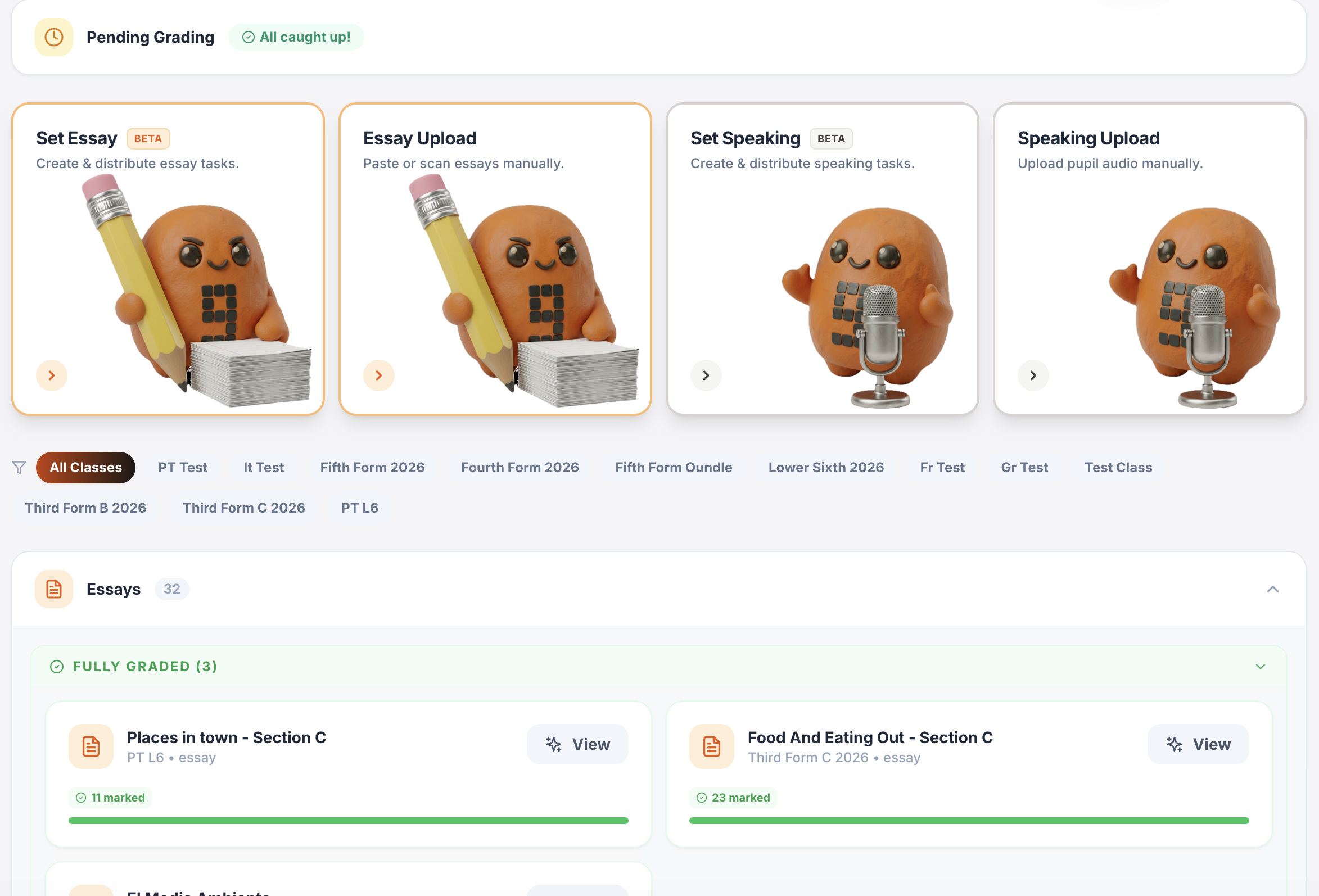
One platform for teaching, practice, feedback and progress.
Plan lessons, set homework, run live activities, generate printables, give AI-supported marking and track progress across Spanish, French, German, Portuguese and Italian.
Writing & speaking marking
Set writing and speaking tasks, collect submissions, generate detailed feedback and keep teacher review in the loop.
Explore this guide →Gradebook & reports
Track scores, completion, engagement and learning evidence across classes.
Explore this guide →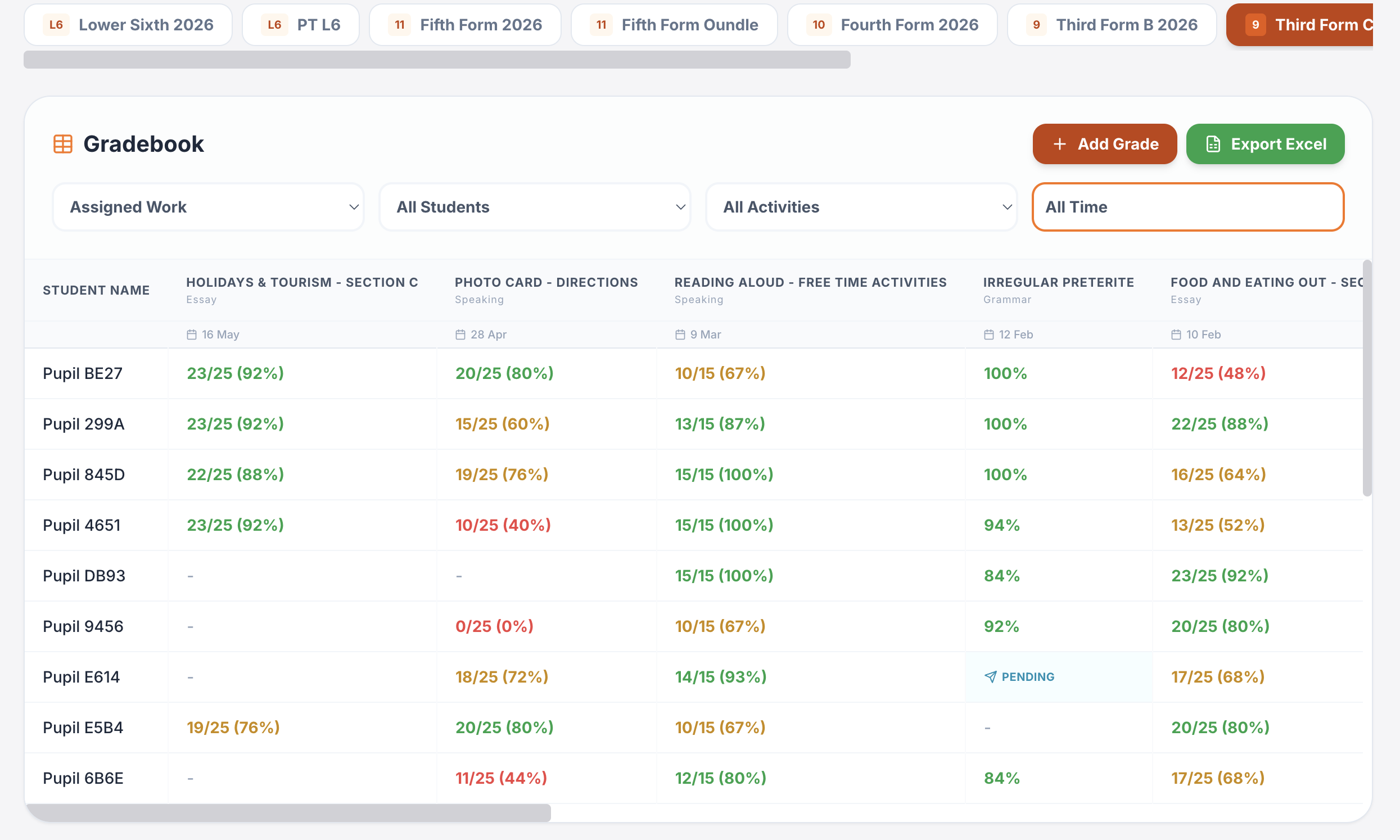
Interactive lessons
Generate, edit, save and reuse complete lesson presentations.
Explore this guide →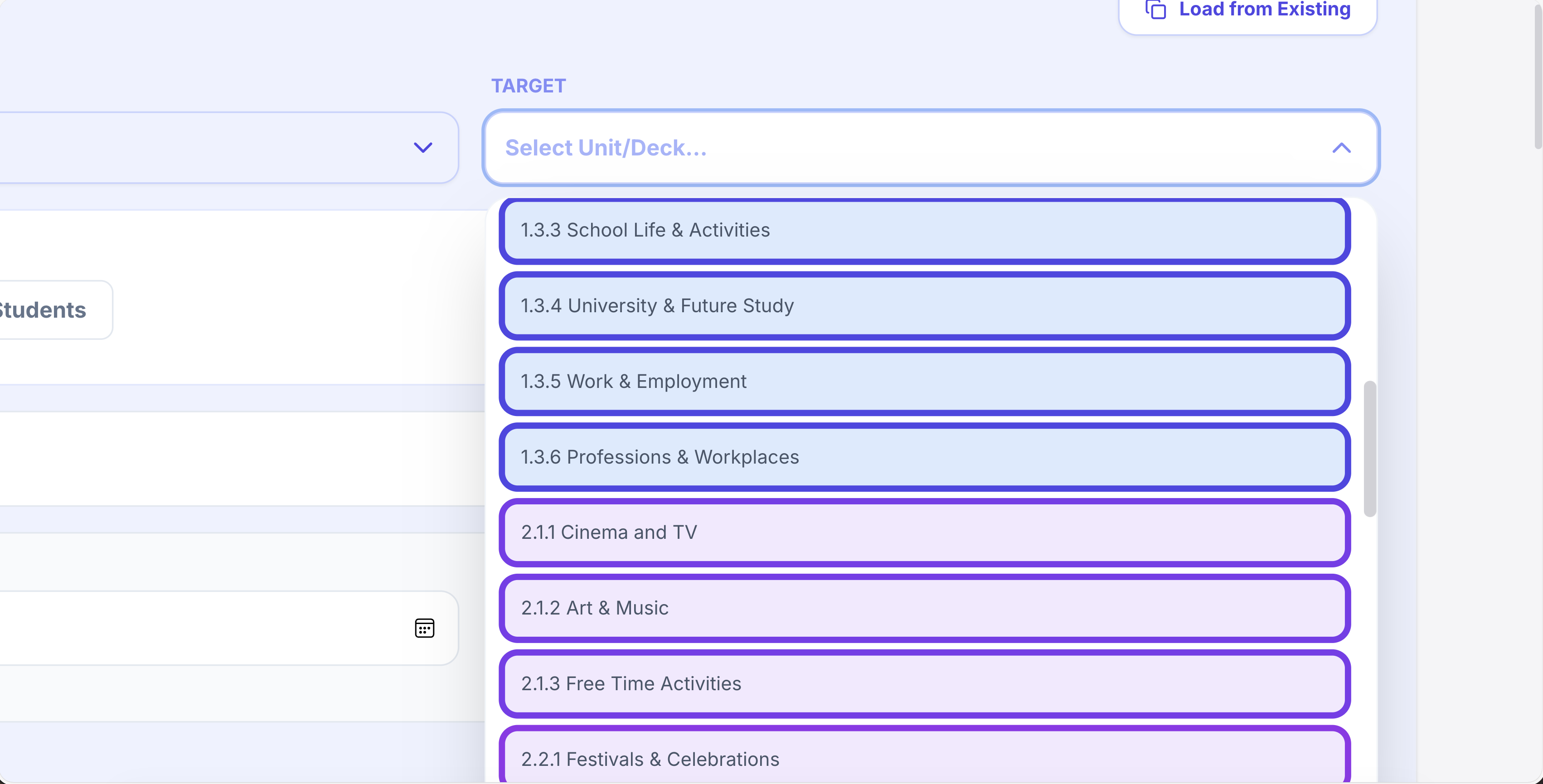
Printables in seconds
Vocabulary, grammar, translation, reading, listening, worksheets and booklets.
Explore this guide →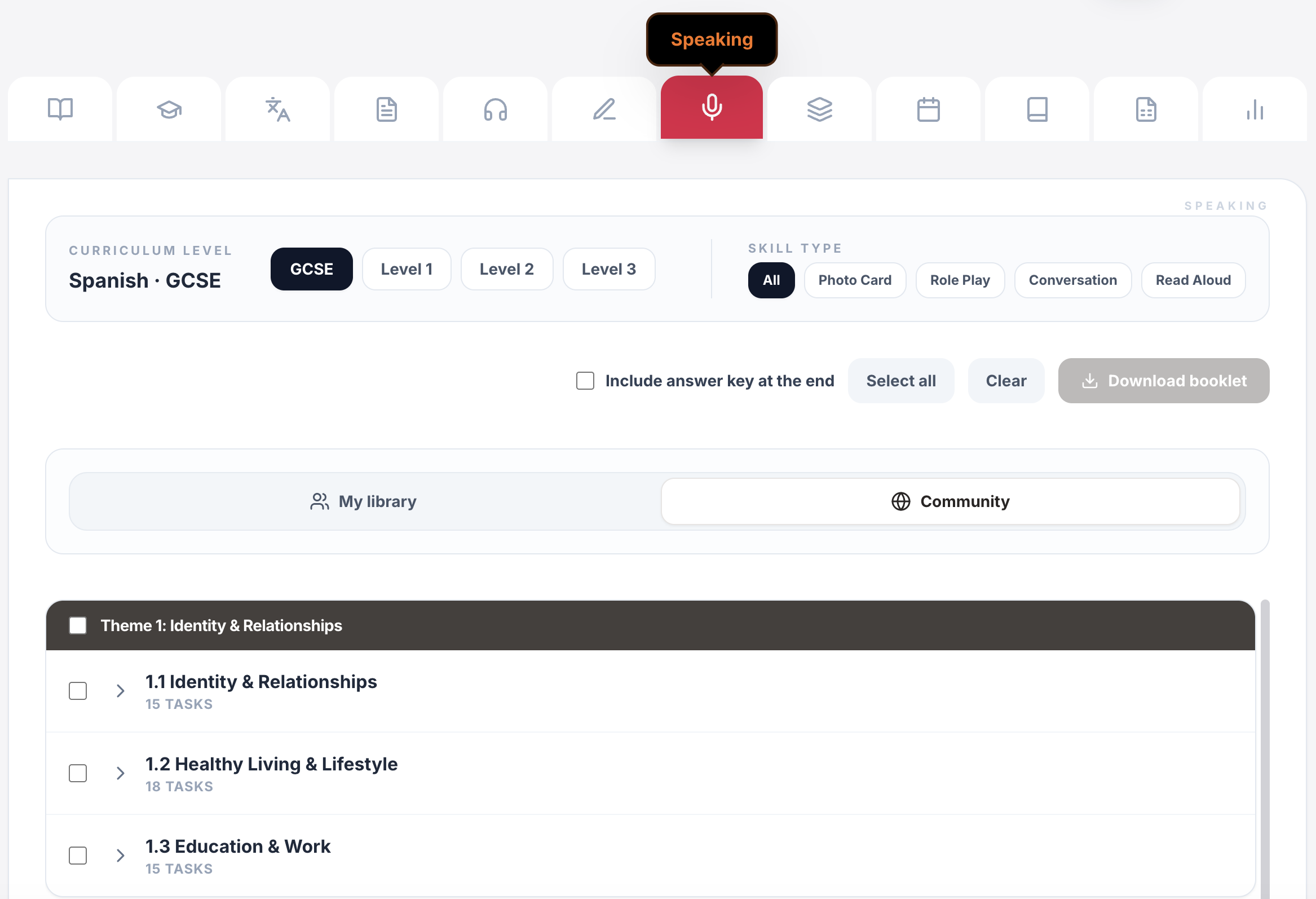
Live games & whiteboards
Turn curriculum content into whole-class competition, retrieval and live response.
Explore this guide →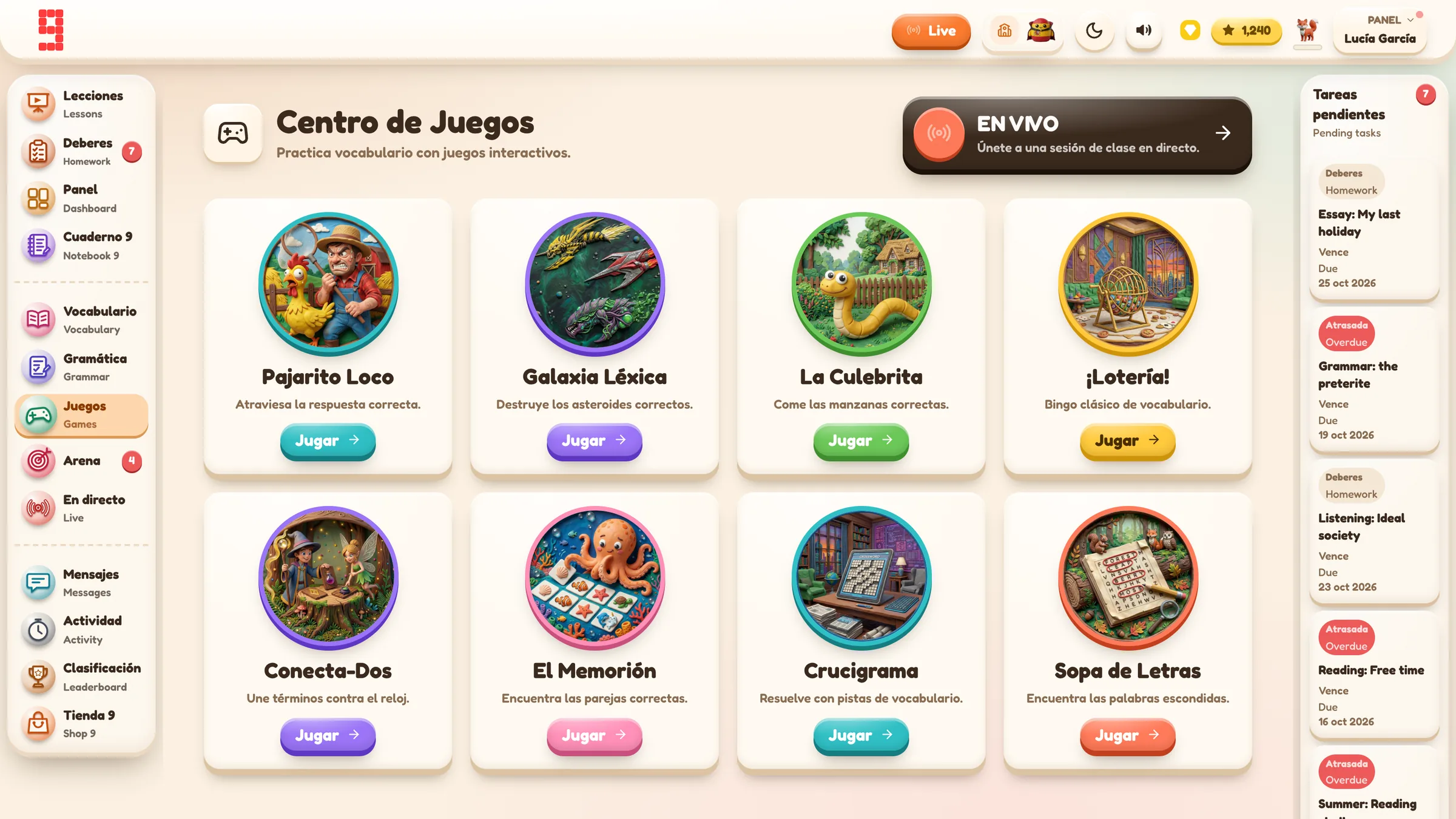
Assignments & tracking
Set work for a whole class or selected pupils, schedule it and see who has started or finished.
Explore this guide →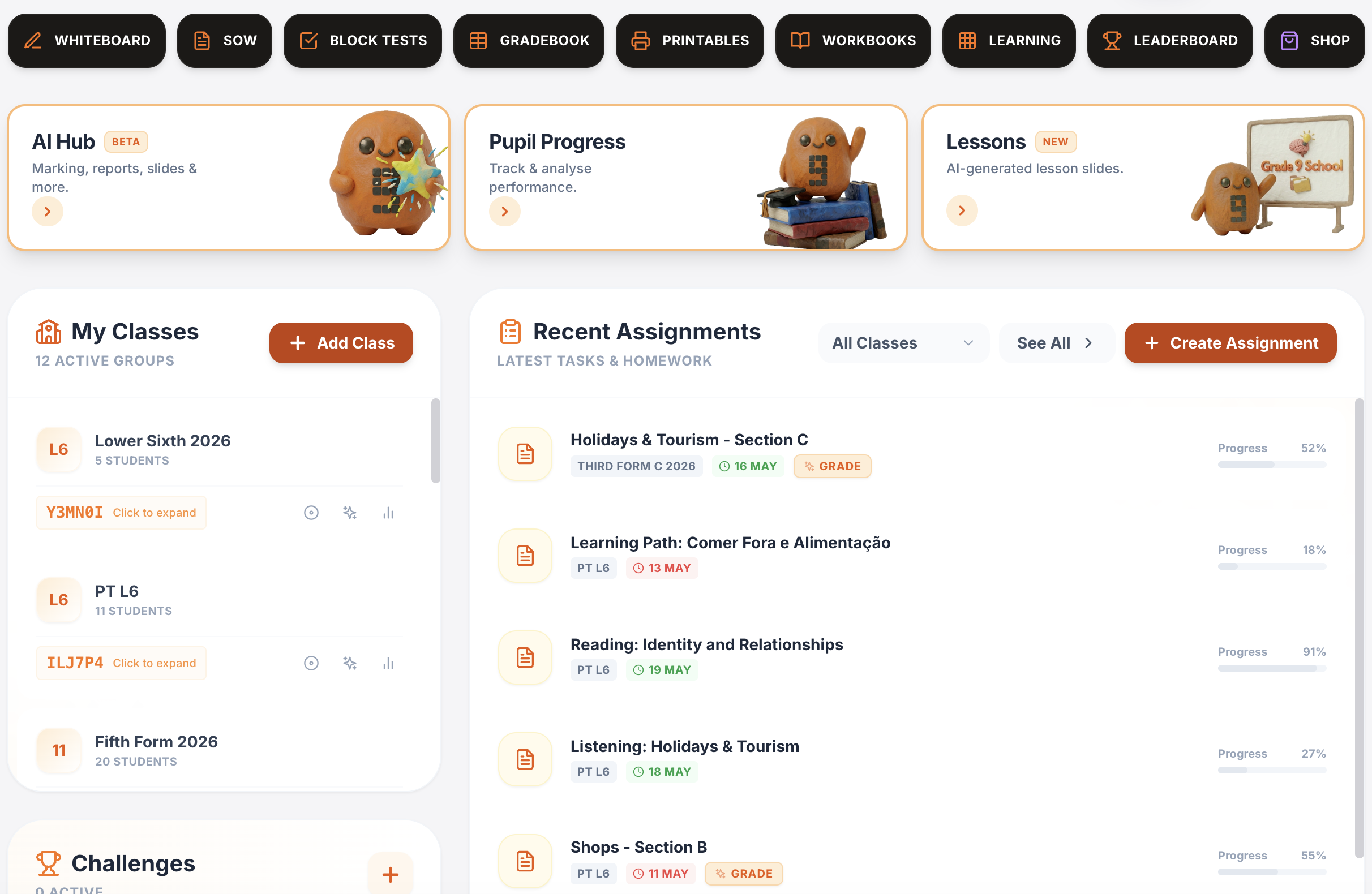
Vocabulary, grammar, translation & independent practice
Structured learning paths, flashcards, vocabulary builders, grammar, verb work, translation and tracked independent learning across supported languages.
Explore this guide →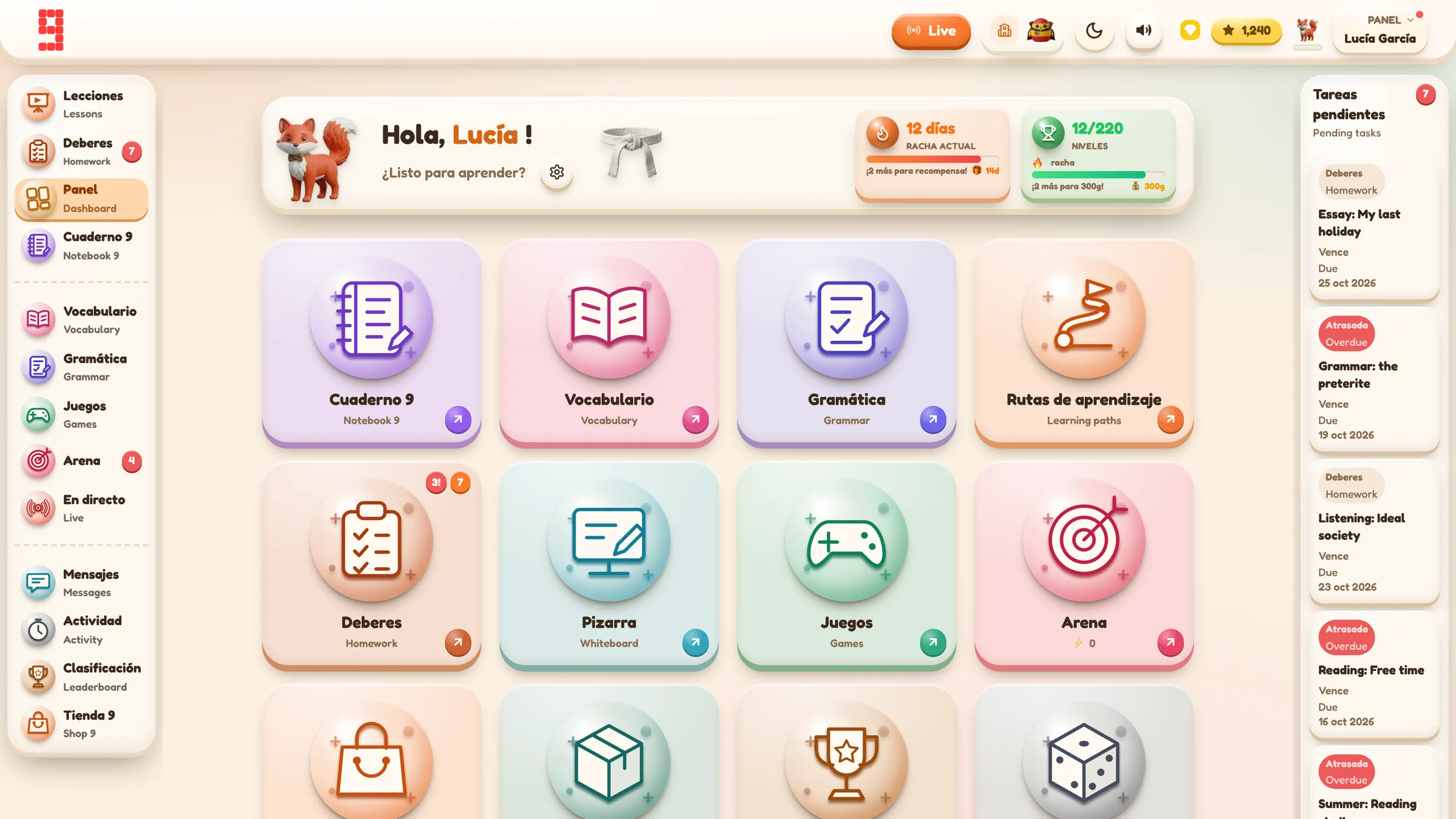
Spanish · French · German · Portuguese · Italian
Use the same platform architecture across the languages your department teaches, while keeping each class in its own language and curriculum context.
Explore language workflows →
From planning to progress, it all connects.
Curriculum management, assignments, AI feedback, printables, gradebook and lesson planning all sit inside the same Grade 9 environment.
Find the detail you need.
Open any section for the key facts, practical detail, examples and sources.
01Control 1: the AI should sit inside a defined task⌄
Open-ended chat is very different from a bounded workflow.
Compare:
“Ask the chatbot anything.”
with:
“Generate a draft set of comprehension questions from this teacher-selected listening text.”
or:
“Produce a feedback draft for this submitted writing response against the supplied task context, for the teacher to review.”
The second model has a defined purpose, clearer inputs and a clearer human decision point.
That does not automatically make the processing low-risk or compliant. It does make it easier for a school to understand what is happening and assess whether the data being processed is necessary.
02Control 2: send only what the task needs⌄
The ICO’s data-minimisation principle still applies when AI is involved.
If an AI service is being used to comment on one piece of writing, a school should ask why unrelated profile information would need to be included.
Useful supplier questions include:
- What fields are sent to the AI provider?
- Is the pupil’s name needed?
- Is the school name needed?
- Is the class name needed?
- Is the task text enough?
- Is audio sent for a speaking-feedback workflow?
- Are uploaded files included?
- Are prompts and outputs logged, and for how long?
- Is the information used to train or improve third-party models?
“AI” should not become a reason to collect everything available.
03Control 3: distinguish AI-required features from ordinary platform use⌄
A school should be able to tell which activities actually need AI processing.
In Grade 9 School, optional AI-supported features include areas such as:
- resource generation;
- listening/audio activity generation;
- AI-supported writing feedback;
- AI-supported speaking feedback.
AI is not required for every pupil activity. Ordinary vocabulary practice, grammar practice, translation activities, assignments, live games, dashboards and progress tracking do not require AI processing simply because they sit inside the same platform.
That distinction matters in a DPIA and in day-to-day classroom choices. “The platform uses AI” is too broad to describe the data flow accurately.
04Control 4: the teacher should own the publication boundary⌄
The strongest form of teacher control is not a warning banner. It is a workflow in which an AI output remains a draft until a teacher chooses to use it.
Grade 9’s current AI Marking Hub provides a concrete example for writing and speaking workflows.
For writing, the sequence is:
Pupil submits work → teacher opens the submission → AI feedback draft is generated → teacher reviews the task, proposed mark and feedback → teacher edits or overrides anything they do not accept → teacher selects Approve & Send → pupil sees the approved result.
The Hub separates states such as:
- Submitted: pupil work is ready for teacher review;
- Draft Ready: an AI feedback draft exists, but it has not been approved for the pupil;
- Published: the teacher has approved feedback and it is live.
A teacher can edit the proposed mark and the written feedback before publication.
If feedback has already been published, generating a newer AI draft does not automatically replace what the pupil sees. The existing published version remains in place until the teacher approves a replacement.
That is a real control because the system distinguishes generation from publication.
05AI feedback is not official examiner judgement⌄
Teacher control also means preserving the limits of the output.
An AI-generated mark or comment can be wrong. It can misunderstand the pupil, the task, the target language, an uploaded image, a transcription or the intended meaning of a sentence.
Grade 9’s current handbook therefore treats AI output as a draft/evidence aid, not as official examiner marking and not as a substitute for professional judgement.
A teacher reviewing AI-supported feedback should still ask:
- Is this the correct task?
- Is the correct mark scheme or rubric being applied?
- Does the proposed mark make sense against the response?
- Are the claimed strengths actually present?
- Are corrections accurate?
- Is the next step useful and proportionate?
- Would I be prepared to say this feedback to the pupil myself?
If the answer is no, change it or do not publish it.
06Control 5: schools need to understand the provider boundary⌄
“Teacher-controlled” describes the classroom decision model. It does not answer every data-protection question.
If a third-party AI service receives pupil work, the school still needs to know:
- which provider is used;
- what data is sent;
- for what purpose;
- where processing may occur;
- what the provider says about retention;
- whether data is used for model training or product improvement;
- which sub-processors may be involved;
- how deletion works;
- what contractual terms apply.
For Grade 9 School, some optional AI-supported features use the paid Google Gemini API / Google AI services.
The current approved position is deliberately limited:
- only the information required for the specific AI task should be sent;
- the paid-service terms relied on by Grade 9 state that submitted prompts/files/responses are not used to improve Google’s products;
- AI processing is on Google-managed service infrastructure;
- relevant data may be processed, stored transiently or cached in countries where Google or its agents maintain facilities.
Grade 9 does not claim that AI processing is UK-only, that data never touches Google servers, that there is zero retention, or that every provider-side copy disappears immediately after a task.
Those are stronger claims and should not be inferred from the phrase “teacher-controlled”.
07What pupils can and cannot do matters⌄
Another useful school question is whether pupils receive open-ended direct access to generative AI.
Grade 9 School’s current school-facing position is that pupils do not receive an open-ended chatbot. AI-supported functionality is embedded in specific workflows rather than offered as a general pupil chat surface.
That still leaves important processing to assess. A speaking submission, for example, can contain pupil audio and therefore deserves proper attention in the school’s privacy and security review.
The right conclusion is not “no chatbot, therefore no risk”. The right conclusion is that the data flow is narrower and should be assessed for what it actually does.
08A procurement checklist for teacher-controlled AI⌄
Ask a supplier to answer these in plain language.
Workflow
- Who can start the AI process?
- Can a pupil trigger it directly?
- Which exact features use AI?
- Which platform activities work without AI?
Inputs
- Is pupil work sent to the AI service?
- Are names, email addresses or other direct identifiers required?
- Is audio, an image or a document uploaded?
- Does the supplier minimise context sent to the model?
Output and professional judgement
- Does AI output go straight to a pupil?
- Can the teacher review it first?
- Can the teacher edit the mark or feedback?
- Is the output presented as advisory/draft or as authoritative?
Provider and data handling
- Which AI provider is used?
- What does the provider say about training/product improvement?
- What does it say about retention and logging?
- Where can processing take place?
- Are sub-processors documented?
- What happens after deletion requests or contract end?
Governance
- Is the AI data flow covered in the DPA and privacy material?
- Has the school considered whether a DPIA is required?
- Can AI-supported workflows be introduced gradually rather than switched on for every class at once?
- Are staff given enough information to know when human review is required?
09A sensible rollout sequence⌄
For many departments, the safest implementation is not “turn on every AI tool on day one”.
Start with the non-AI classroom workflow:
- create a class;
- establish pupil authentication;
- set a low-stakes assignment;
- check completion and saved evidence;
- then introduce one AI-supported workflow with an agreed teacher-review process.
This makes it easier to tell whether a problem comes from ordinary account/class setup or from the additional AI processing.
It also gives staff a concrete understanding of what “teacher-controlled” means before the department relies on the phrase in policy or parent communication.
10Questions a supplier should not dodge⌄
Be cautious if the answer to any of these is just “our AI is safe”:
- What exactly is sent to the AI provider?
- Does the pupil see unreviewed model output?
- Is the model making a final assessment decision?
- Where can processing happen?
- Is school/pupil data used for training?
- How long can provider-side logs or caches persist?
- Which functions do not use AI at all?
Teacher control is strongest when it is visible in the product workflow and documented in the data flow.