 School



Pupil accounts without email: a practical model for school platforms
How pupil username/password accounts can reduce direct identifiers without pretending there is “no personal data”. A practical guide for schools, IT teams and DPOs.
Grade 9 School brings curriculum, lesson planning, practice, homework, feedback, live activities, printables and progress tracking into one connected teaching workflow.
 Spanish
 French
 German
 Portuguese
 Italian
Practice, feedback and progress in one place.
A pupil does not necessarily need an email address to use a school learning platform.
A teacher-created username and password can be enough to let a pupil sign in, join the correct class and have work linked to the right account. That can reduce the amount of direct identifying information a school sends to a supplier.
But an email-free account is not the same thing as an anonymous account.
If a platform stores a pupil account, class membership, assignments, submissions or progress records that the school can link back to a real pupil, those records can still be personal data. The ICO is explicit that pseudonymised personal data remains within data-protection law.
That distinction is the useful starting point.
Explore the topic ↓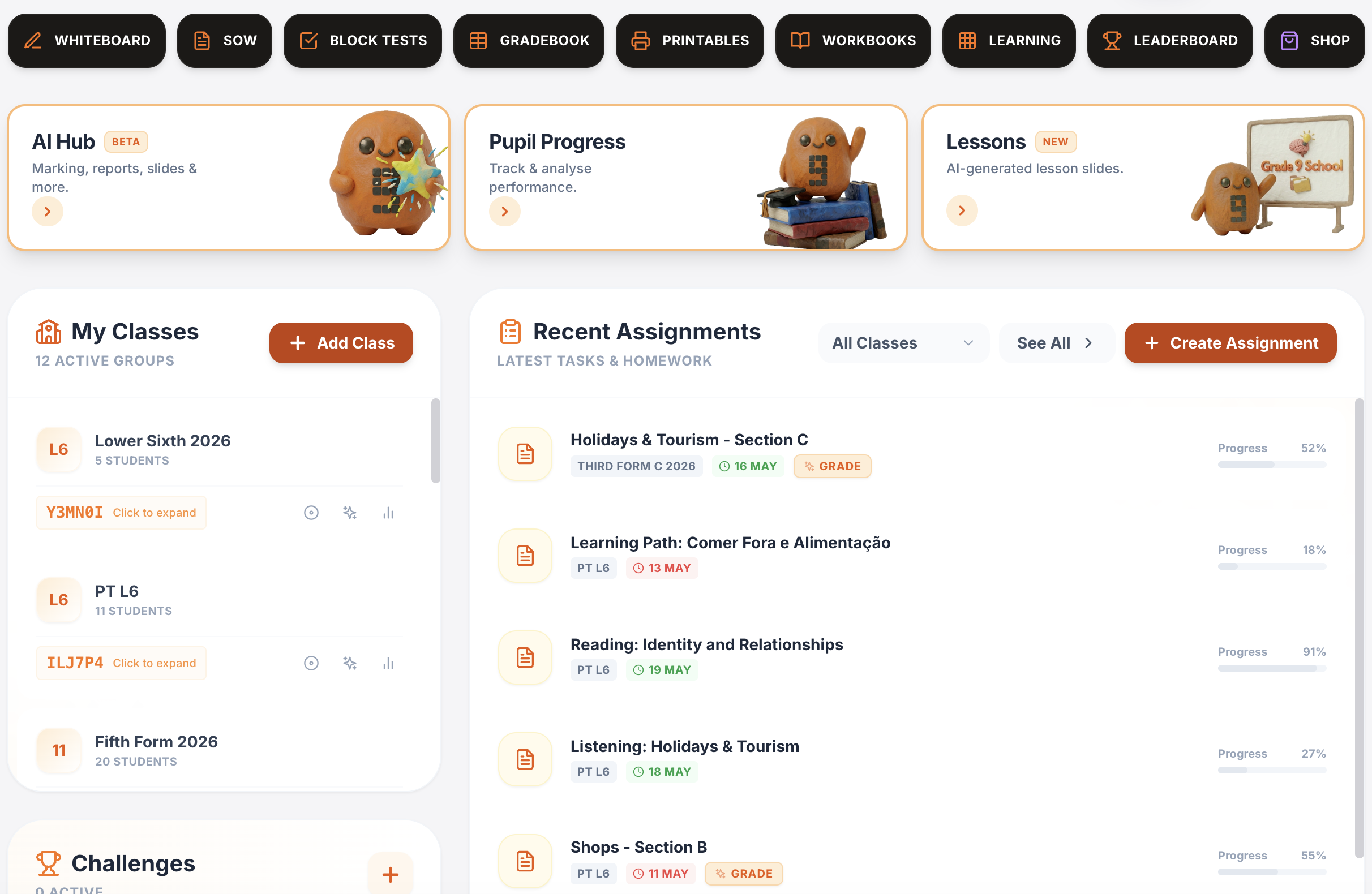
One platform for teaching, practice, feedback and progress.
Plan lessons, set homework, run live activities, generate printables, give AI-supported marking and track progress across Spanish, French, German, Portuguese and Italian.
Writing & speaking marking
Set writing and speaking tasks, collect submissions, generate detailed feedback and keep teacher review in the loop.
Explore this guide →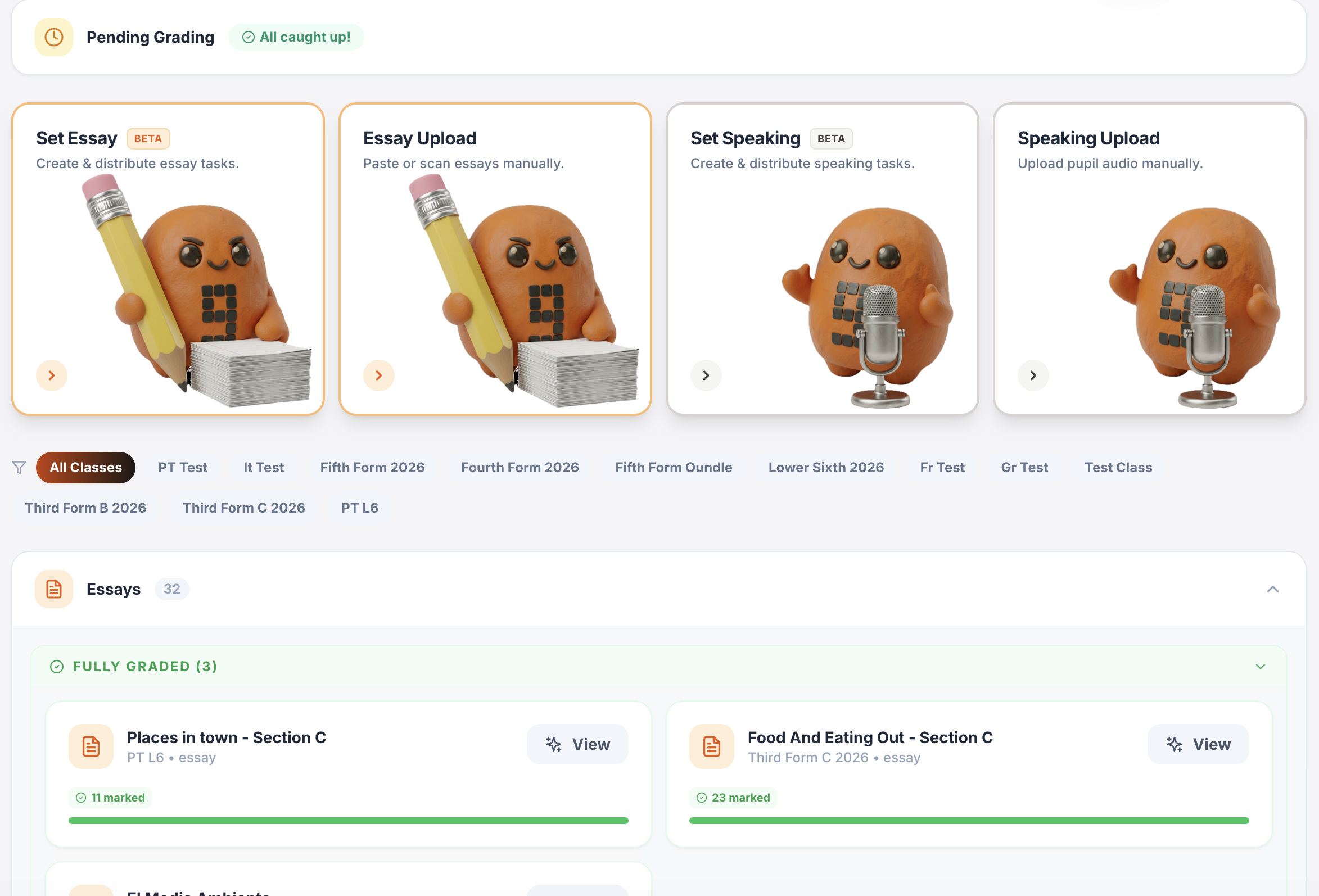
Gradebook & reports
Track scores, completion, engagement and learning evidence across classes.
Explore this guide →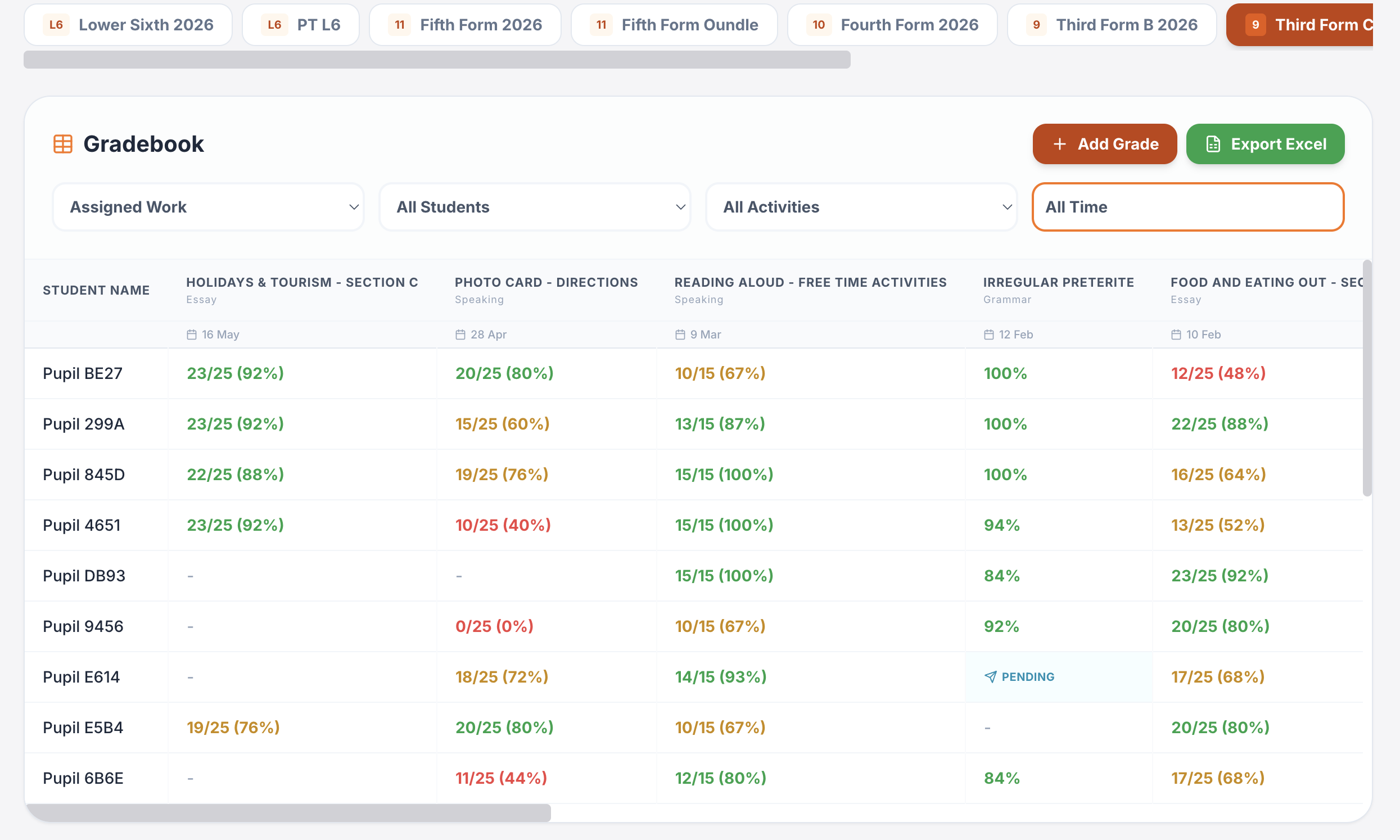
Interactive lessons
Generate, edit, save and reuse complete lesson presentations.
Explore this guide →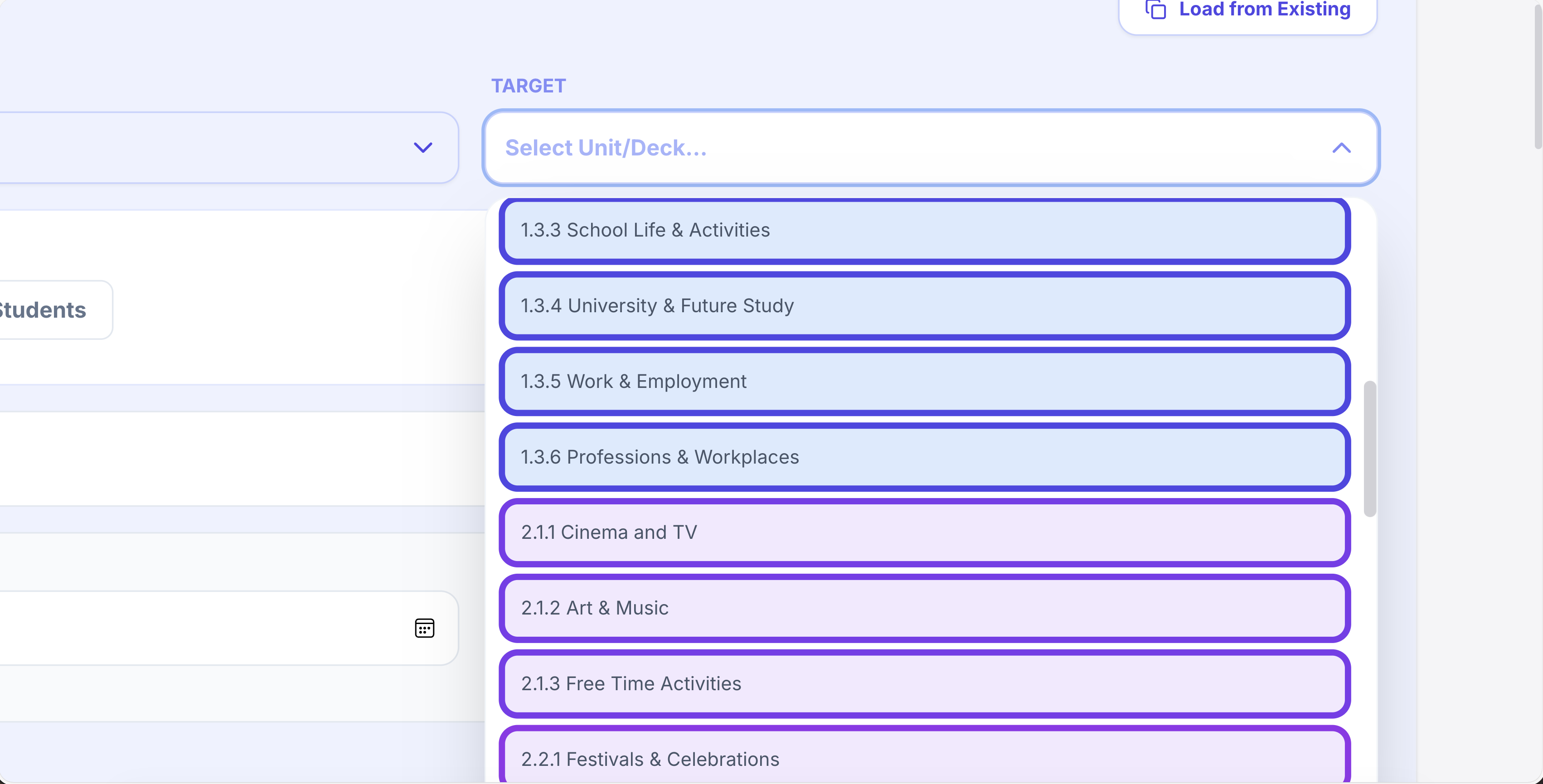
Printables in seconds
Vocabulary, grammar, translation, reading, listening, worksheets and booklets.
Explore this guide →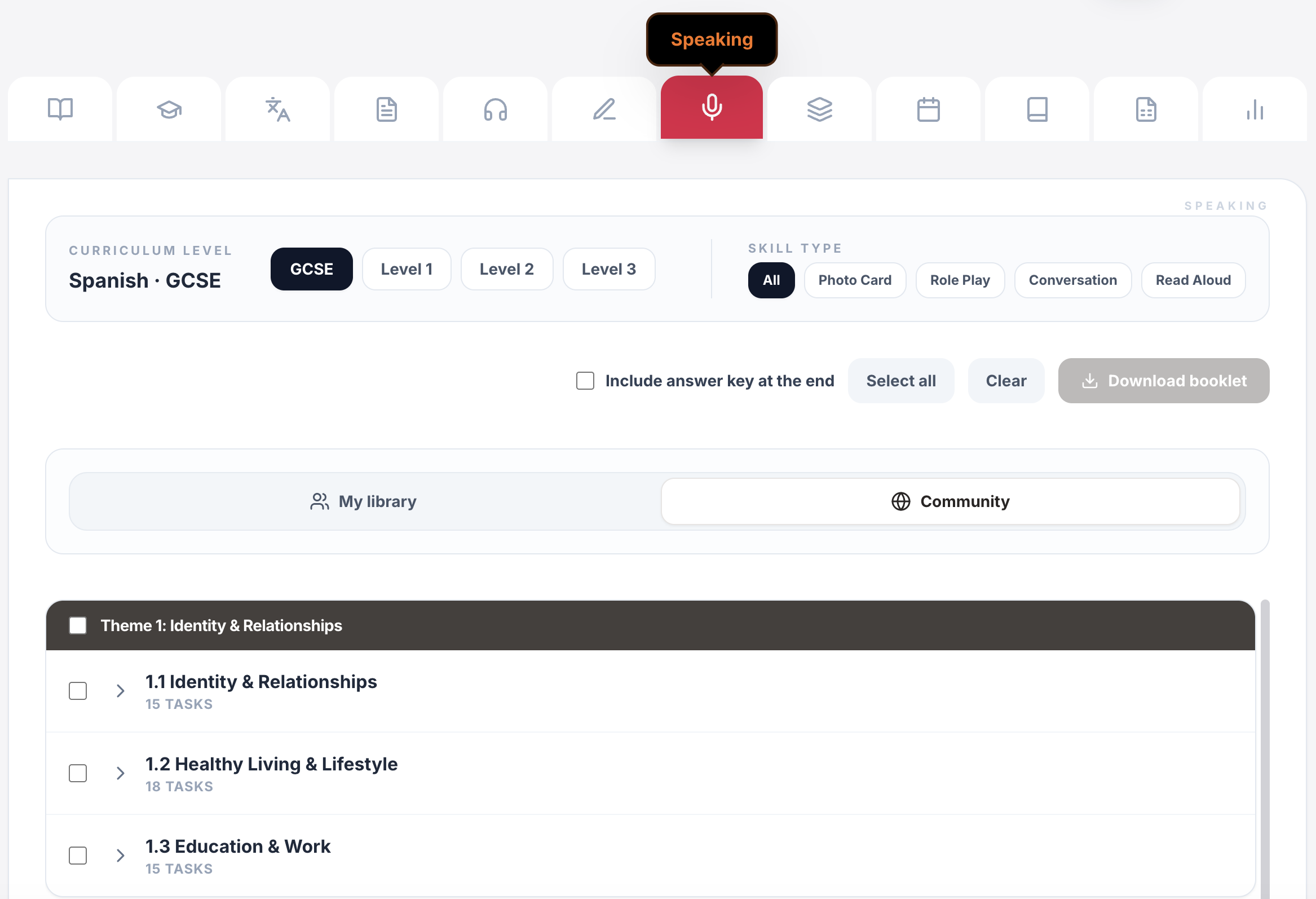
Live games & whiteboards
Turn curriculum content into whole-class competition, retrieval and live response.
Explore this guide →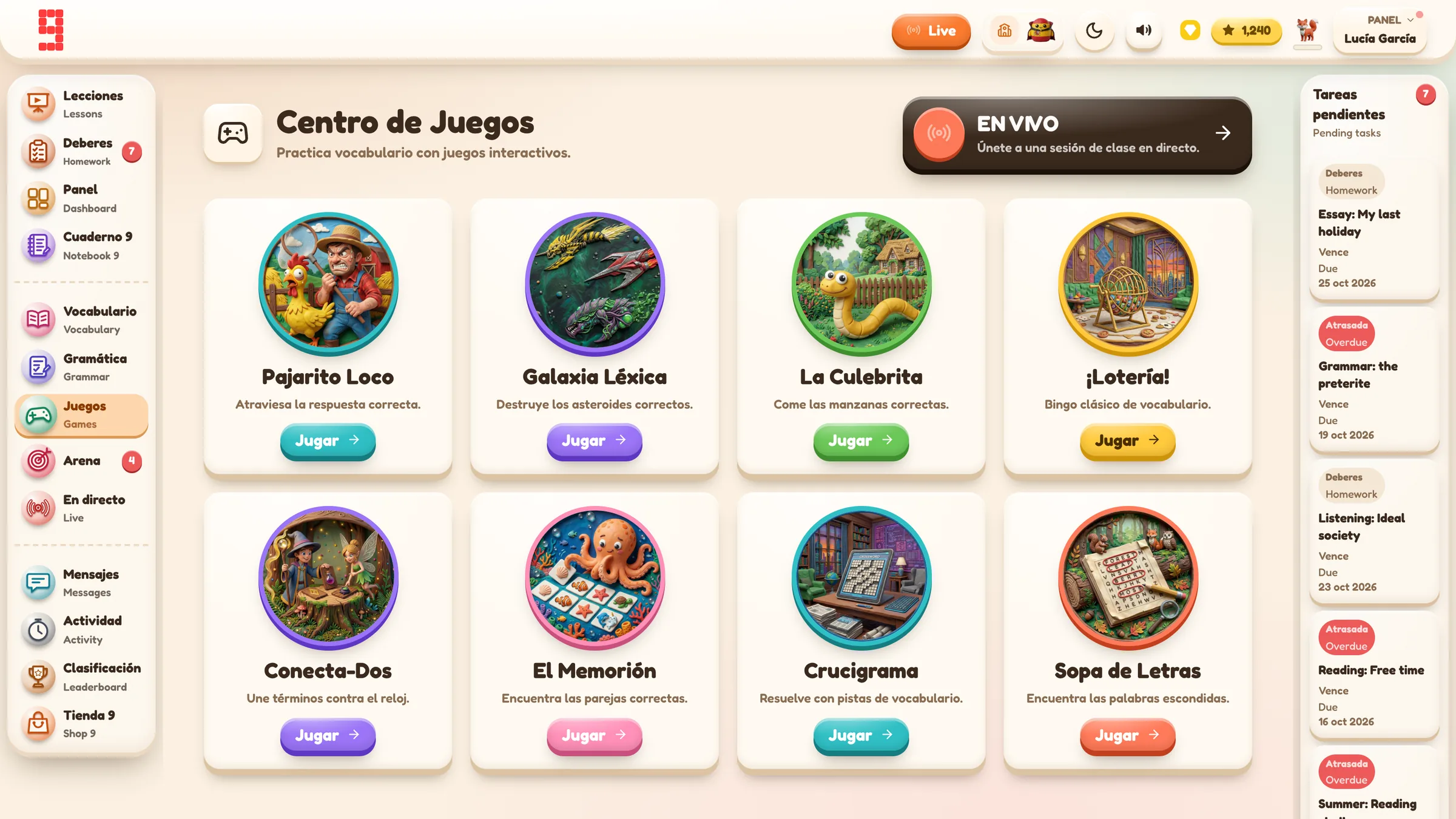
Assignments & tracking
Set work for a whole class or selected pupils, schedule it and see who has started or finished.
Explore this guide →Vocabulary, grammar, translation & independent practice
Structured learning paths, flashcards, vocabulary builders, grammar, verb work, translation and tracked independent learning across supported languages.
Explore this guide →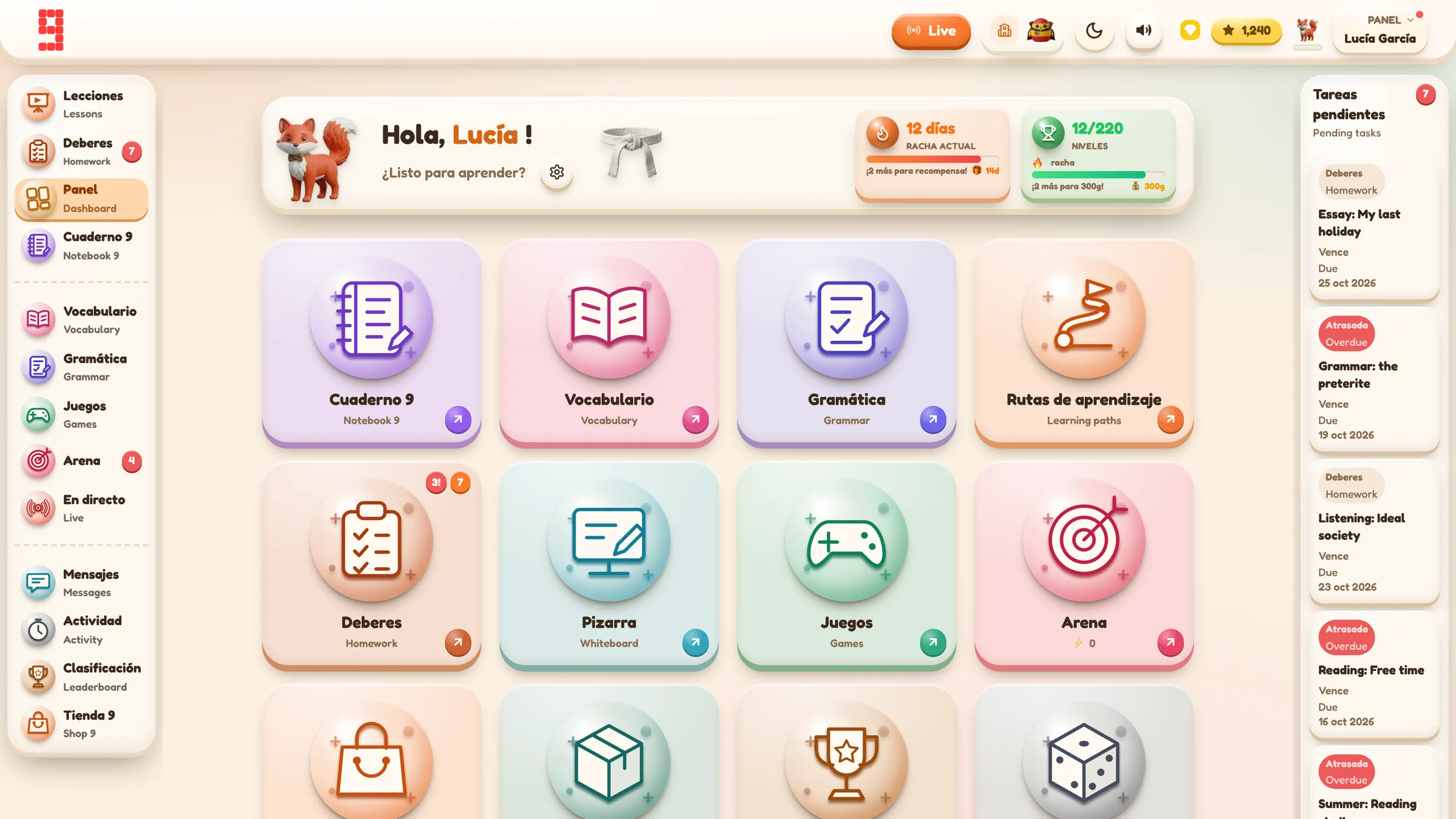
Spanish · French · German · Portuguese · Italian
Use the same platform architecture across the languages your department teaches, while keeping each class in its own language and curriculum context.
Explore language workflows →
From planning to progress, it all connects.
Curriculum management, assignments, AI feedback, printables, gradebook and lesson planning all sit inside the same Grade 9 environment.
Find the detail you need.
Open any section for the key facts, practical detail, examples and sources.
01Three separate questions schools should ask⌄
When a supplier says pupils can use usernames instead of email addresses, separate three issues that are often blurred together.
1. How does the pupil authenticate?
Possible routes include:
- a teacher-created username and password;
- a school-managed single sign-on account;
- a pupil-created account;
- an email-based login.
The choice affects what identifiers have to be shared with the platform.
2. How does the teacher know which account belongs to which pupil?
A school can use a direct identifier such as a pupil name, or it can use a pseudonymous identifier and keep the mapping separately.
For example, the platform might know a pupil as spanish9_184, while the school keeps the mapping to the pupil’s real identity in its own records.
That can reduce the amount of directly identifying data held by the platform. It does not make the learning record anonymous if the school can reconnect it to an individual.
3. What learning data is attached to the account?
Even with no email address and no real name, a platform may still need to store information such as:
- class membership;
- assigned work;
- answers and submissions;
- completion status;
- scores;
- teacher feedback;
- progress records.
The important question is therefore not simply, “Does the platform collect email addresses?”
It is: what data is necessary for the educational purpose, who can link it to a pupil, who can access it, and how long is it kept?
02Pseudonymisation is useful, but it is not anonymisation⌄
The ICO describes pseudonymisation as replacing, removing or transforming identifying information while keeping the information needed to re-identify the person separately.
That can be a useful risk-reduction measure. It can support data protection by design and reduce the consequences of unnecessary exposure.
But pseudonymised personal data is still personal data.
For schools, that means a pseudonymous login model may reduce direct identifiers without removing the need to think about:
- controller and processor roles;
- appropriate security;
- retention;
- deletion;
- processor contracts;
- a DPIA where required;
- access to pupil records.
A supplier should not turn “no pupil email required” into the much stronger claim “we do not process personal data”.
For the broader procurement and DPIA questions, see the GDPR guide for MFL platforms.
03What data minimisation looks like in practice⌄
The UK GDPR data-minimisation principle requires personal data to be adequate, relevant and limited to what is necessary for the purpose.
For a classroom platform, a useful procurement question is:
Does the supplier need this piece of pupil information for the activity to work, or is it being collected because it is convenient?
If a pupil can complete assigned work using a pseudonymous username, a supplier should be able to explain why it would still need the pupil’s personal email address or other direct identifiers.
The school should make the same judgement on its side. Do not upload more identifiers merely because a spreadsheet already contains them.
04A practical Grade 9 School example⌄
Grade 9 School supports a teacher-created username/password route that does not require pupil email addresses.
A current class setup can work like this:
- The teacher opens Teacher Dashboard → Add Class.
- They choose the target language, Year group and curriculum.
- If the department wants the class to use pseudonymous pupil identities, the teacher chooses the privacy setting before importing the roster.
- The teacher opens the class, selects Add Students, and pastes the roster into the Paste Student List dialog.
- Grade 9 generates usernames and passwords and adds the created pupil accounts to the class.
- The teacher saves the login PDF and distributes each pupil’s credentials privately.
For this route, pupil email addresses are not required.
Grade 9 still creates an authenticated pupil account and a class-membership record. Later assignments, submissions and progress can be linked to that account and class.
The current class privacy mode labelled “0 Personal Data” is a product identity-minimisation label, not a legal claim that no personal data exists. In that teacher-created username/password workflow, the generated login identity is used instead of the supplied real name as the pupil display identity, while account, class, assignment, submission and progress data still exist.
05Decide the identity model before importing pupils⌄
One of the easiest mistakes is to make the privacy decision after the class is already populated.
Turning on a privacy setting later does not prove that a name was never stored earlier.
If a school wants pseudonymous accounts, decide that before onboarding the class. If directly identifying data has already been uploaded and needs to be removed, use the supplier’s proper deletion or support process rather than assuming that changing a class setting retrospectively erases history.
For a staged department setup, see the MFL platform rollout guide.
06Credentials still need to be handled securely⌄
Removing pupil email addresses does not remove the need for account security.
A generated username/password sheet contains credentials. It should be handled as such.
In a classroom rollout:
- do not project the whole class login sheet;
- give each pupil only their own credentials;
- store the teacher copy in an appropriate school-controlled location;
- use a reset process if credentials are lost or compromised.
In Grade 9 School, existing class-login passwords are not treated as ordinary profile information for the teacher to reveal later. A teacher can reset an individual password, or use Reset & Download Logins for a class when new credentials are needed. A whole-class reset replaces the existing passwords and produces a fresh login PDF.
07Keep the mapping where it belongs⌄
If the platform uses pseudonymous identifiers but a teacher still needs to know which pupil is which, the school can retain the mapping internally.
That gives the school control over the direct identity link.
It also means the school should decide:
- who is allowed to see the mapping;
- where it is stored;
- how it is updated when pupils move classes;
- when it is deleted;
- how support cases are handled without casually sending a supplier unnecessary identifying data.
The point is not to create a complicated parallel database. It is to avoid uploading direct identifiers to a platform when they are not needed for the educational task.
08What this model does and does not solve⌄
It can help with
- reducing the direct identifiers held by a supplier;
- avoiding dependence on pupil email addresses;
- onboarding younger pupils who do not use email independently;
- keeping the school’s real-name mapping under school control;
- applying data minimisation from the start.
It does not mean
- the learning record is anonymous;
- data-protection law no longer applies;
- account credentials can be handled casually;
- processor contracts or security review become unnecessary;
- every school must choose pseudonymous accounts.
Some schools will decide that pupil names inside an approved processor are useful for ordinary teaching and support. Others will prefer pseudonymous identities. The correct choice depends on the school’s purposes, risks and governance.
09A short school checklist⌄
Before creating pupil accounts, confirm:
- Authentication: Will pupils use generated username/password accounts or school SSO?
- Identifiers: Do you actually need names or pupil email addresses in the platform?
- Mapping: If accounts are pseudonymous, where will the real-name mapping live?
- Credentials: How will login details be distributed and reset?
- Learning data: What class, submission and progress data will be stored?
- Access: Which teachers or administrators can see those records?
- Retention: What happens when the pupil leaves or the licence ends?
- Deletion: How can the school request deletion or anonymisation where appropriate?
- Contract: Does the processor agreement describe the actual processing?
Email-free pupil accounts can be a useful privacy-by-design choice. The value comes from collecting less identifying data while still being honest about the learning data that remains.