 School





MFL progress tracking: useful evidence without turning every score into a grade
Track MFL progress without confusing completion, scores and attainment. A practical framework for class trends, pupil evidence and useful follow-up.
Grade 9 School brings curriculum, lesson planning, practice, homework, feedback, live activities, printables and progress tracking into one connected teaching workflow.
 Spanish
 French
 German
 Portuguese
 Italian
Practice, feedback and progress in one place.
The first question in MFL progress tracking should not be:
What is this pupil’s number?
It should be:
What exactly am I trying to find out?
A useful tracking system separates at least four questions:
- Completion: did the pupil finish the work?
- Performance: how successful were the responses in that activity?
- Trend: what pattern is visible across time, skills or topics?
- Evidence: what did the pupil actually produce, and what feedback sits beside it?
Those are related, but they are not interchangeable.
Ofsted’s languages research review places assessment inside a structured and sequenced curriculum and emphasises validity: the assessment should actually test the knowledge or performance it claims to test. [1] That is a good principle for everyday platform data too.
Explore the topic ↓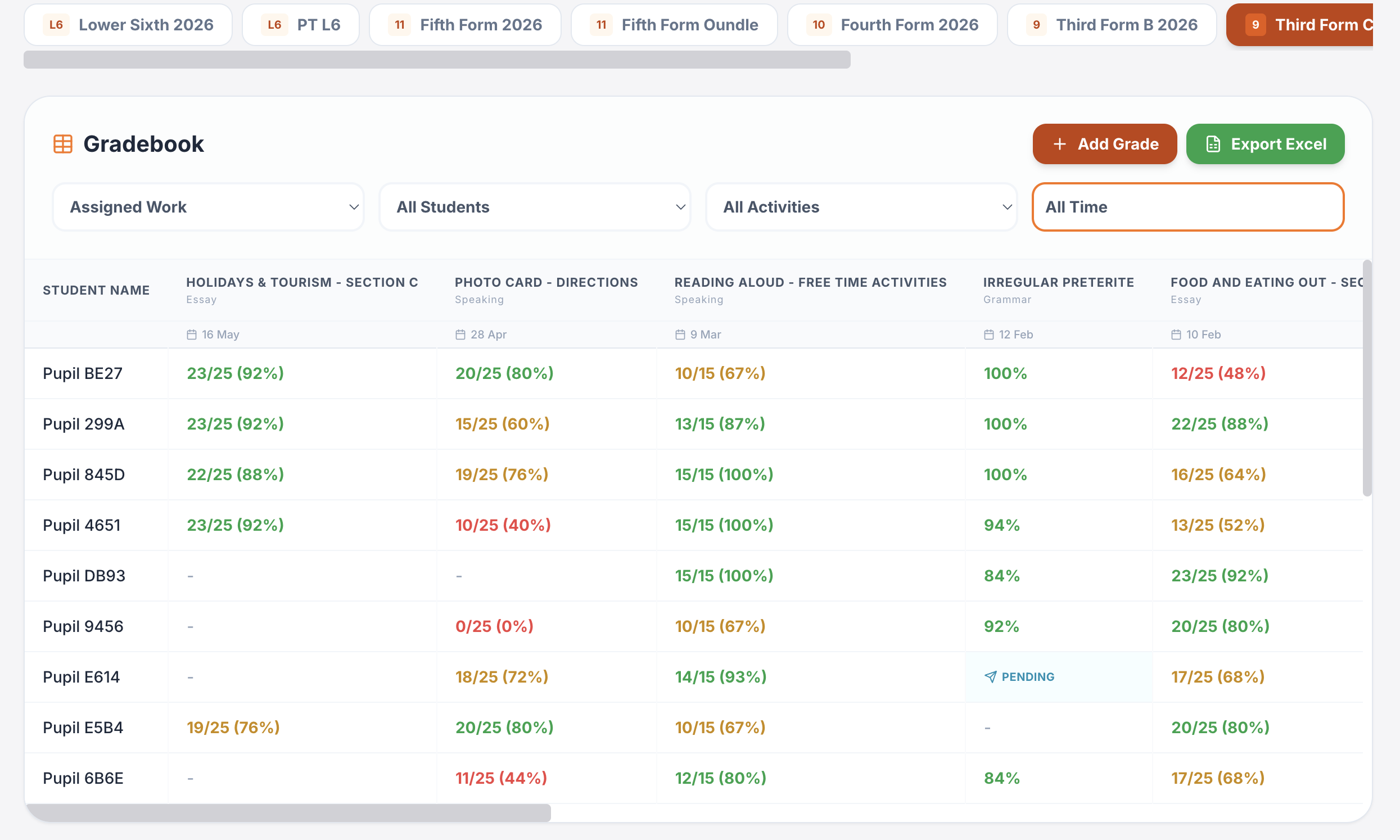
One platform for teaching, practice, feedback and progress.
Plan lessons, set homework, run live activities, generate printables, give AI-supported marking and track progress across Spanish, French, German, Portuguese and Italian.
Writing & speaking marking
Set writing and speaking tasks, collect submissions, generate detailed feedback and keep teacher review in the loop.
Explore this guide →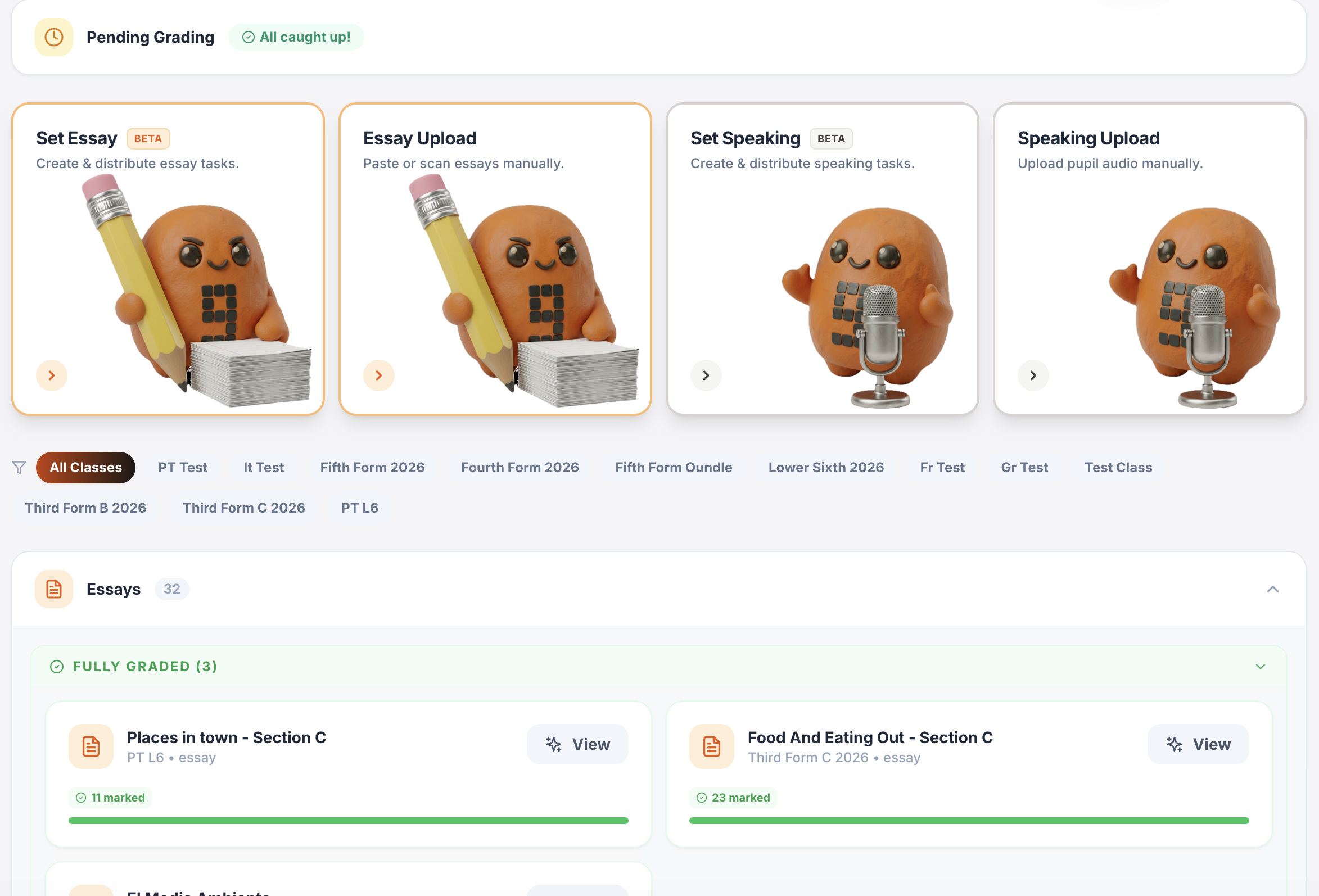
Gradebook & reports
Track scores, completion, engagement and learning evidence across classes.
Explore this guide →Interactive lessons
Generate, edit, save and reuse complete lesson presentations.
Explore this guide →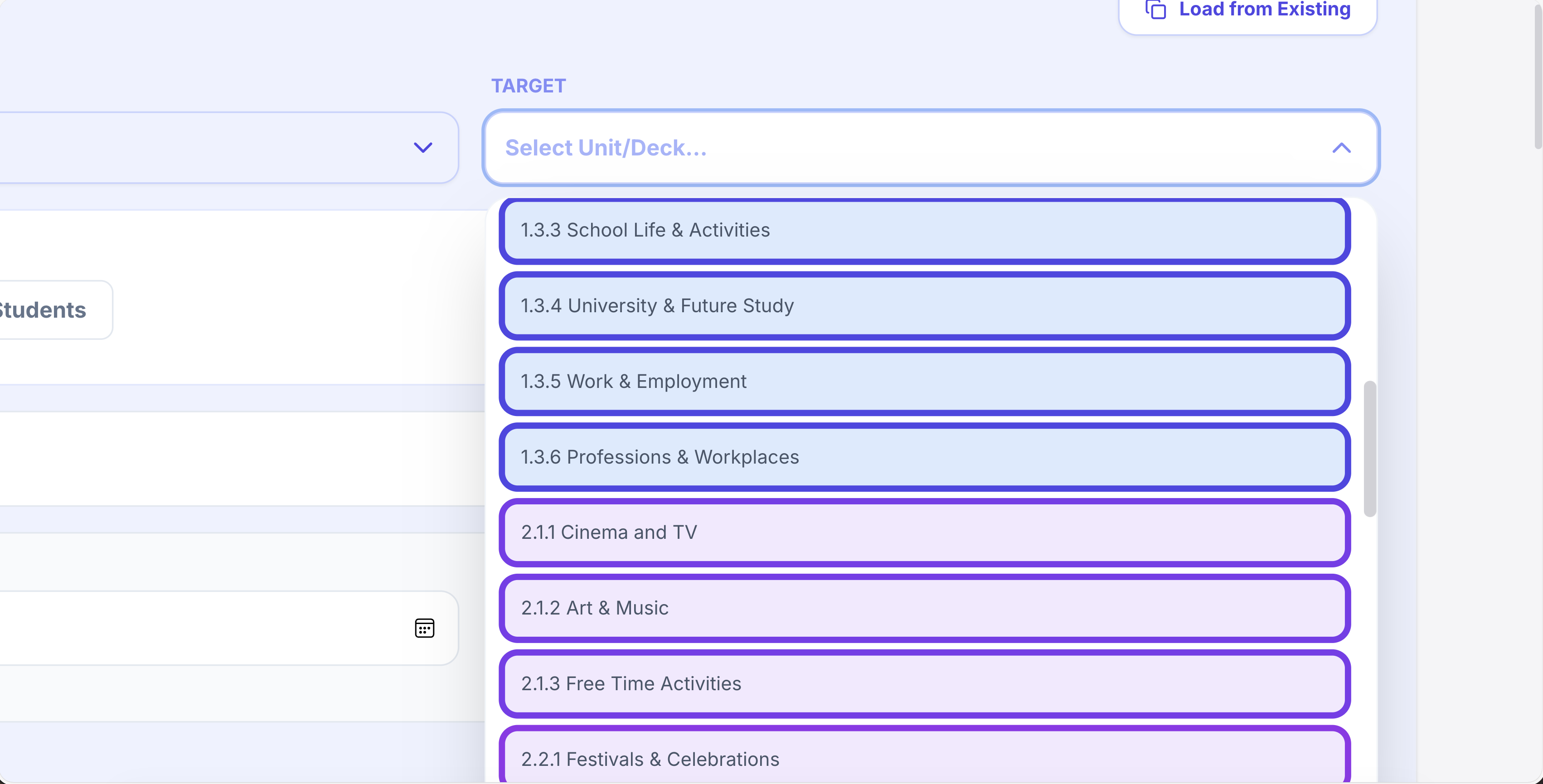
Printables in seconds
Vocabulary, grammar, translation, reading, listening, worksheets and booklets.
Explore this guide →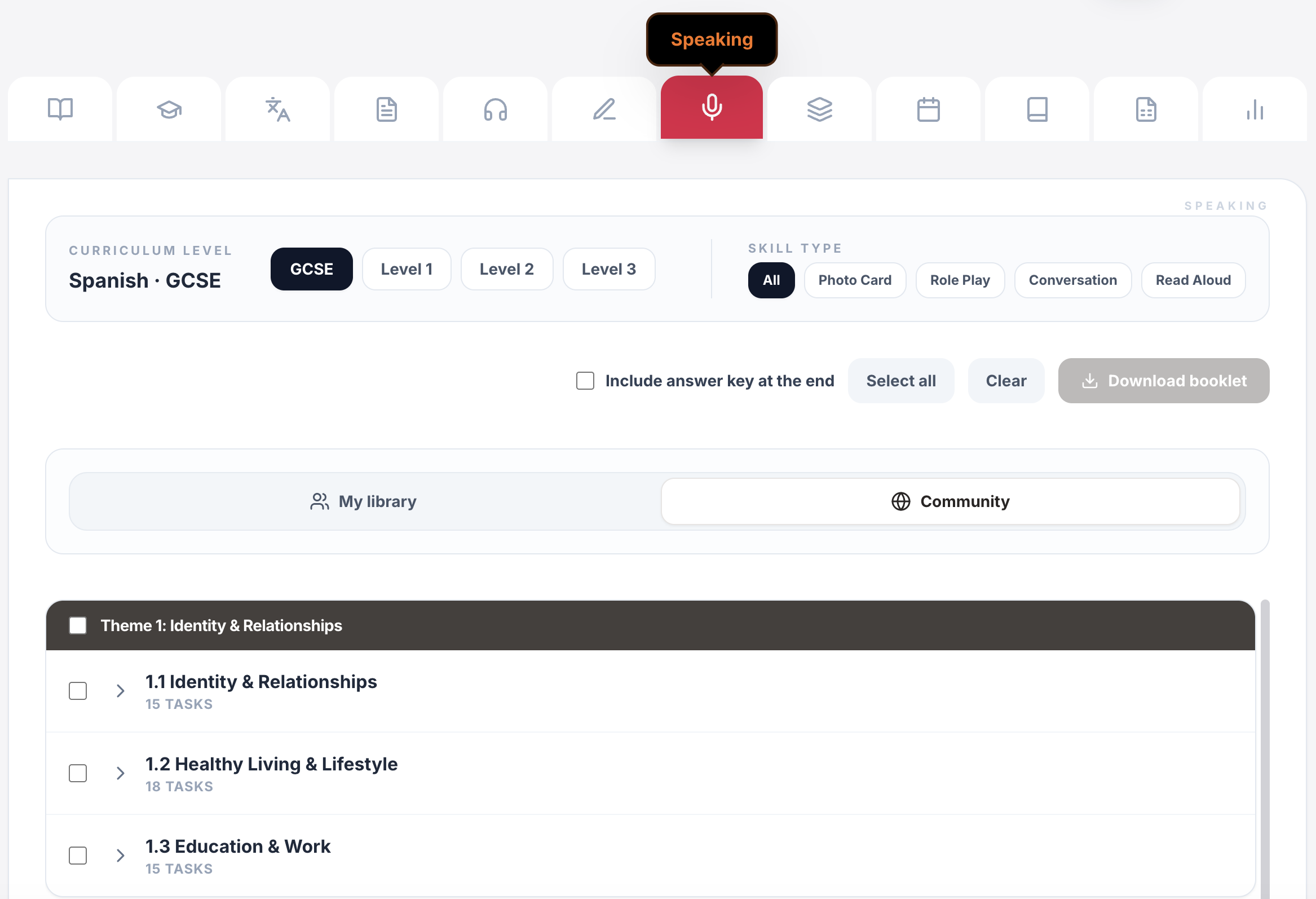
Live games & whiteboards
Turn curriculum content into whole-class competition, retrieval and live response.
Explore this guide →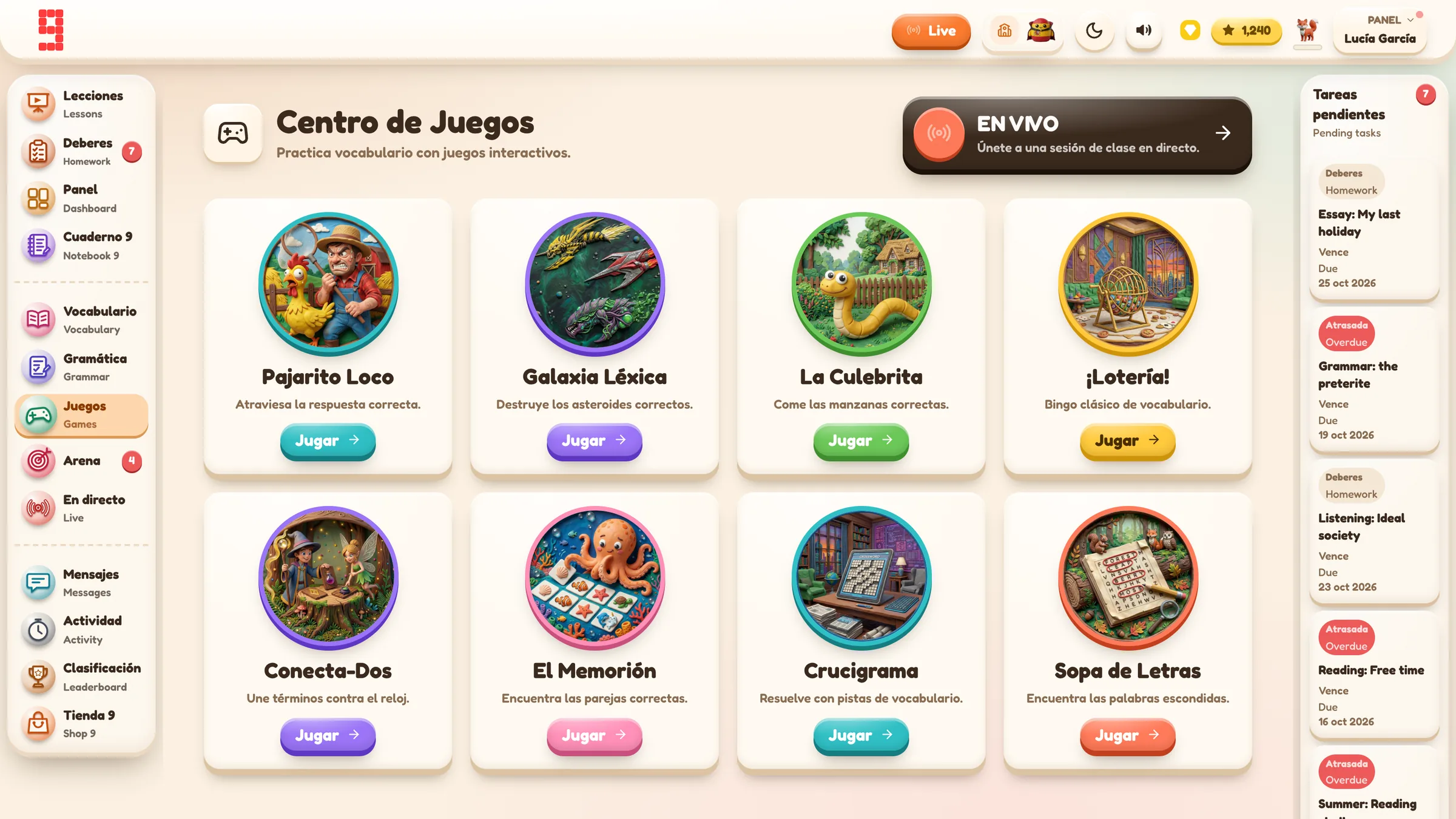
Assignments & tracking
Set work for a whole class or selected pupils, schedule it and see who has started or finished.
Explore this guide →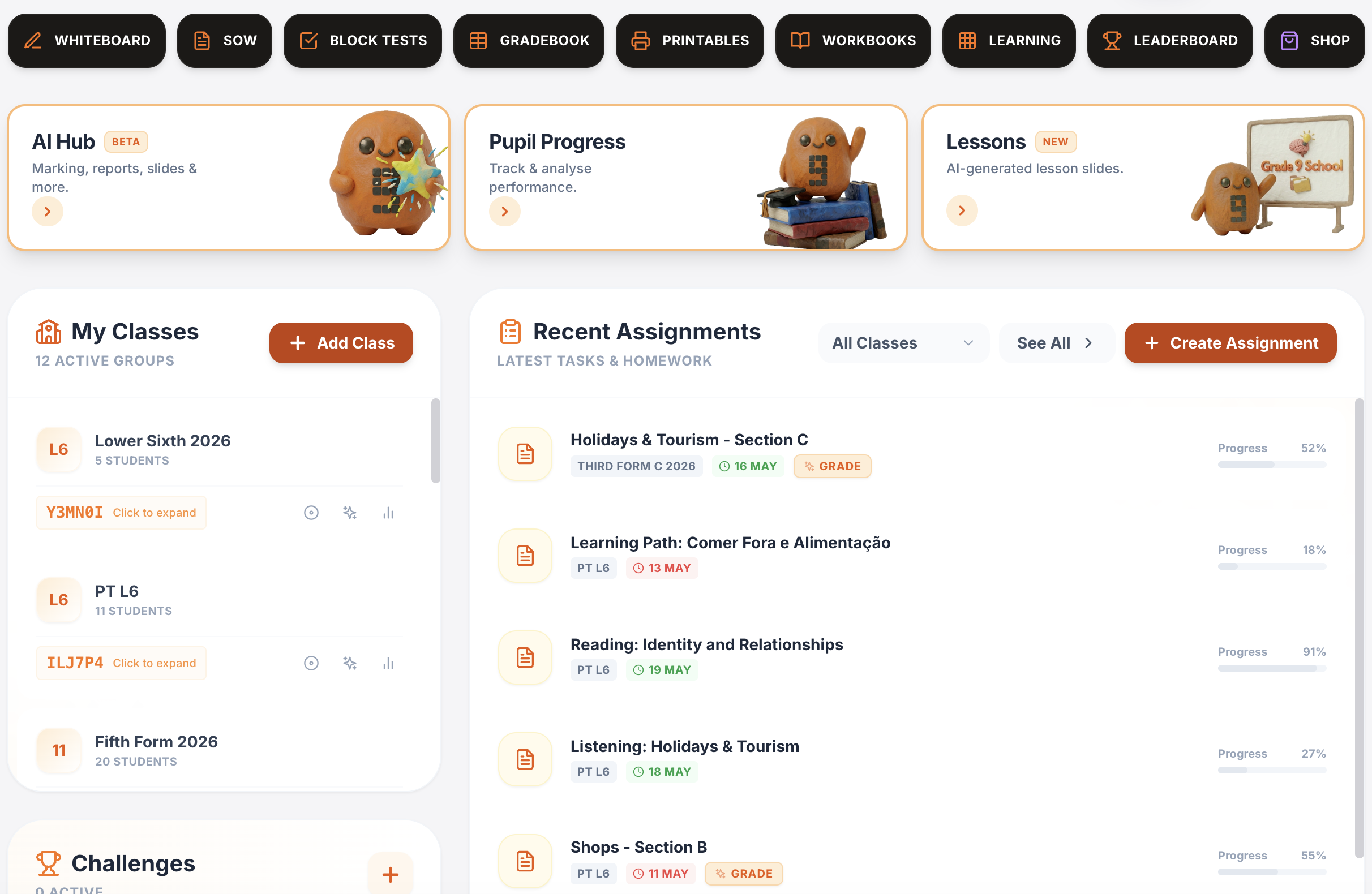
Vocabulary, grammar, translation & independent practice
Structured learning paths, flashcards, vocabulary builders, grammar, verb work, translation and tracked independent learning across supported languages.
Explore this guide →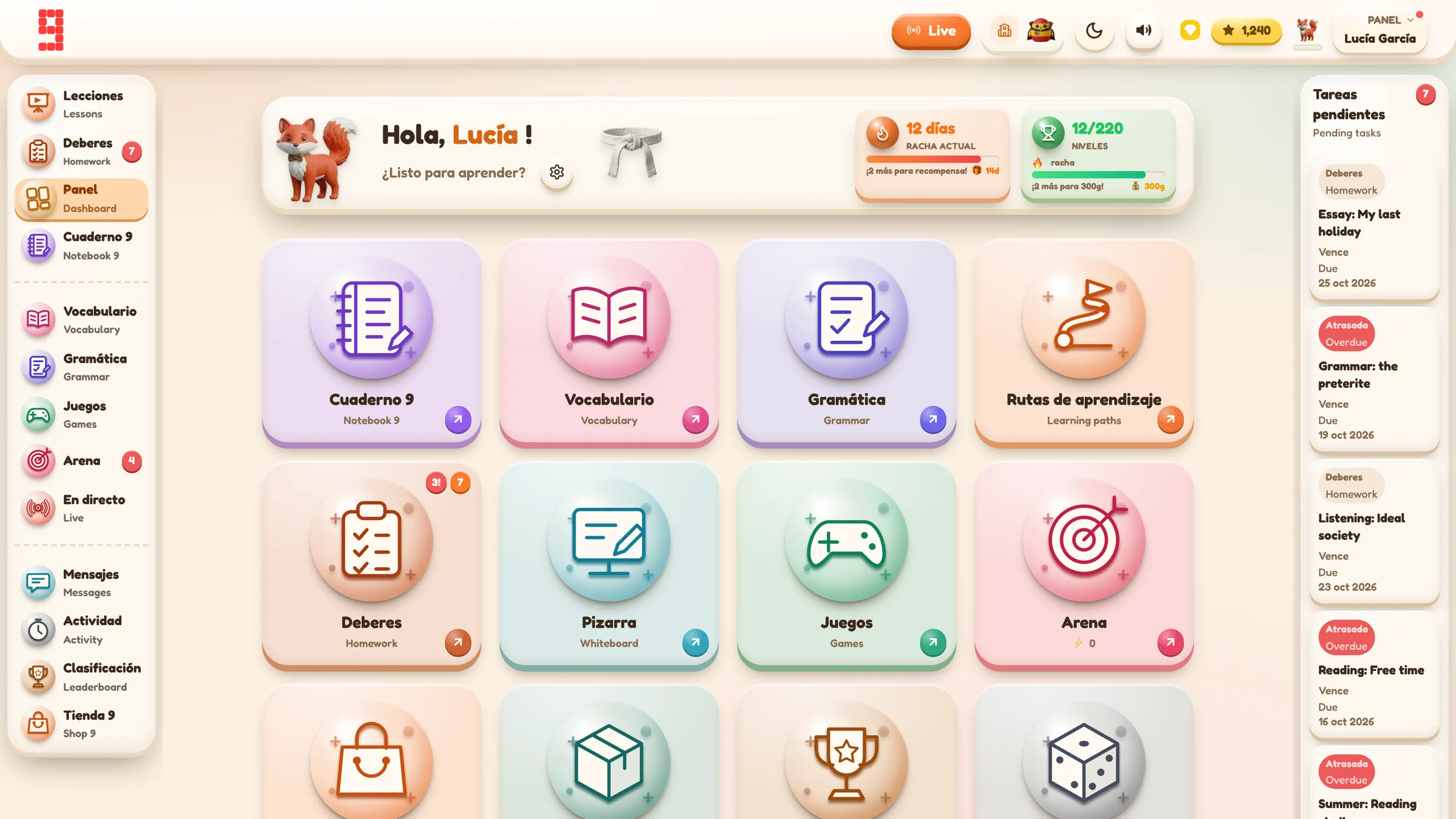
Spanish · French · German · Portuguese · Italian
Use the same platform architecture across the languages your department teaches, while keeping each class in its own language and curriculum context.
Explore language workflows →
From planning to progress, it all connects.
Curriculum management, assignments, AI feedback, printables, gradebook and lesson planning all sit inside the same Grade 9 environment.
Find the detail you need.
Open any section for the key facts, practical detail, examples and sources.
011. Start with completion⌄
Completion is the simplest question:
Did the pupil reach the finished state for this task?
This is useful for:
- homework follow-up;
- identifying pupils who have not started;
- distinguishing missing work from weak work;
- seeing whether a targeted assignment reached the intended group.
Completion should normally be read before score.
A pupil who has not started needs a different response from a pupil who completed everything but struggled.
022. Keep score separate⌄
A score answers a different question:
How successful was this pupil within the scoring rules of this activity?
That can be useful, but only if you understand the activity.
A vocabulary percentage, a writing mark, a speaking mark and a game point total are not automatically the same kind of evidence.
In Grade 9’s current assignment detail, status and score are separate. A pupil can be Done with a weak score. An In Progress pupil may already have partial scored work.
This sounds obvious, but dashboards often tempt us to collapse different questions into one colour or number.
033. Track trends, not just snapshots⌄
One result can be noisy.
A trend can help answer:
- Is this class becoming more secure with a topic?
- Has recent vocabulary practice improved?
- Is one pupil’s recent pattern different from the class?
- Did the latest teaching sequence change performance?
- Is a weakness persistent or just one bad attempt?
Grade 9’s current Class Progress view can be filtered by:
- class;
- class average or individual pupil;
- activity category; and
- 7 days, 30 days or all time.
The chart groups saved activity over time and shows average percentage performance for the selected scope.
That is a learning trend. It is not an official examination grade.
04Do not average things that do not mean the same thing⌄
This is one of the most important limits in progress tracking.
Different activity types can use different scales.
In the current Grade 9 Class Progress implementation, game records are deliberately excluded from the combined All Activities percentage average because game scores can be point totals above 100 rather than comparable percentages. Games remain available through their own filter.
That is the right instinct more generally:
If two numbers do not mean the same thing, do not force them into one average just because they are both numbers.
054. Keep the underlying evidence⌄
A trend line can tell you where to look. It usually cannot tell you everything you need to know.
For richer evidence, you may need:
- the pupil’s actual answers;
- the task context;
- the score breakdown;
- teacher feedback;
- a writing response;
- a speaking recording;
- the date and duration;
- the exact assignment the work came from.
Grade 9’s pupil-facing Cuaderno 9 acts as a richer learning portfolio. Depending on the activity, it can bring together vocabulary and grammar work, tests, writing and speaking feedback, reading/listening, translation, answers, score breakdowns, assignment information and supported downloadable evidence.
Not every activity saves the same detail. A simple vocabulary drill does not suddenly become a writing-feedback record. The evidence depends on what the original task created.
06My Activity and Cuaderno 9 answer different questions⌄
The current pupil views have a useful distinction.
My Activity is the compact history:
What did I do recently?
It can show date, activity, category, score and duration.
Cuaderno 9 is the richer portfolio:
What is the evidence of the learning, result and feedback?
That distinction helps prevent a long list of scores from pretending to be a learning story.
07Assignment evidence needs assignment identity⌄
Progress tracking becomes unreliable if the system credits any similar-looking task as the homework.
Imagine this sequence:
- A pupil practises a vocabulary unit independently on Monday.
- The teacher sets the same unit as homework on Tuesday.
- The pupil never opens Tuesday’s assignment.
The independent practice is still useful learning.
But it should not automatically prove the Tuesday homework was completed.
Grade 9’s current modern progress model links teacher-set work using the assignment’s unique identifier. That lets the platform distinguish independent practice from the exact task the teacher set.
Older historical records can use compatibility matching where newer identifiers were not present. Current guidance should therefore describe exact assignment matching as the model for new work, while recognising that older data can be less precise.
08One piece of practice can feed several useful views⌄
A supported activity can create one saved learning record and then be reused across different views.
The broad evidence loop is:
pupil completes activity
→ Grade 9 saves the learning record
→ My Activity can show the event
→ Cuaderno 9 can show richer evidence
→ Class Progress can include the result in a relevant trend
→ if it came from a teacher assignment, the same record can satisfy that assignment’s completion view
That matters because the teacher should not need to re-enter the same result manually in several places simply to make it visible.
09Class average and individual pupil are different lenses⌄
A class trend answers:
What is happening across this group?
An individual trend answers:
How does this pupil’s recent pattern compare with that class picture?
Neither is automatically better.
Use the class view when you are deciding whether the next lesson needs:
- whole-class retrieval;
- a different explanation;
- more practice;
- a change of pace.
Use the individual view when:
- one pupil’s pattern looks different;
- you are planning an intervention;
- you need to inspect whether a weakness is persistent;
- a parent/tutor conversation requires evidence rather than impression.
10Time range changes the question⌄
Seven days, 30 days and all time do not tell the same story.
7 days can show the effect of the current teaching sequence.
30 days can smooth out one-off fluctuations and show a more stable recent pattern.
All time gives breadth, but it can mix very different stages of learning.
Do not choose the largest possible time range by default.
11A classroom example⌄
A Year 9 Spanish class has just finished a sequence on school and opinions.
During the week pupils complete vocabulary practice. Some work comes from homework and some from independent practice.
The teacher opens Class Progress and chooses:
- the class;
- Vocabulary;
- last 7 days.
The class trend looks weaker than expected.
Rather than recording a new “current grade”, the teacher uses the data diagnostically.
They then:
- switch to individual pupils to see whether the weakness is widespread;
- check the homework assignment to separate missing work from completed low scores;
- inspect richer pupil evidence where needed;
- choose three weak items for retrieval in the next lesson.
The data changes the next teaching decision. That is the useful bit.
12What not to overread⌄
“Done” does not mean “secure”
Completion proves the pupil reached the completed state. It does not prove mastery.
A percentage is not automatically an attainment grade
An activity score is evidence from that activity.
The class average is not an official exam prediction
Grade 9’s Class Progress view is a learning trend over saved activity, not a formal examination grade.
Every activity should not feed the same combined metric
Different scales and task meanings need separate interpretation.
A dashboard cannot replace the actual work
When a writing or speaking judgement matters, inspect the response and feedback, not just the number.
Historical records may be less precise
Older progress can predate newer assignment metadata. Preserve the history, but do not pretend every old record has the same matching precision as current work.
More data is not always more insight
A huge all-time view can hide the question you actually needed to answer.
13A simple MFL tracking routine⌄
A teacher does not need to inspect every analytics screen every day.
A practical weekly routine can be:
1. Check missing and unfinished assignments
Look for Pending and In Progress before studying scores.
2. Scan one relevant class trend
Choose the activity category that matches what you have actually taught.
3. Investigate exceptions
Open individual pupils only where the class pattern or assignment evidence gives you a reason.
4. Inspect rich evidence for consequential work
For writing, speaking or important assessment, look at the actual response, breakdown and feedback.
5. Turn the evidence into one teaching decision
Examples:
- retrieve three weak verbs;
- re-model one grammar contrast;
- set a short targeted follow-up;
- move on because the class is secure.
If the dashboard does not change a decision, you probably do not need to stare at it for longer.
14How Grade 9 School records MFL progress⌄
Grade 9 saves supported pupil practice against the authenticated pupil account together with context such as activity category, score, duration, language and curriculum. Teacher-set work can also carry its assignment identifier.
Current teacher and pupil views then use that saved evidence for different purposes:
- assignment status for completion;
- My Activity for compact recent history;
- Cuaderno 9 for richer portfolio evidence;
- Class Progress for class or individual trends.
The important limitation is deliberate: these views provide evidence to support professional judgement. They are not a replacement for it.
16Sources⌄
[1] Ofsted, Research review series: languages:
https://www.gov.uk/government/publications/curriculum-research-review-series-languages/curriculum-research-review-series-languages
Additional assessment context checked:
OpenLearn / The Open University, Assessment in secondary modern foreign languages: assessing language skills:
https://www.open.edu/openlearn/education-development/assessment-secondary-modern-foreign-languages/content-section-2.3
The product-specific descriptions above are grounded in the current Grade 9 School Handbook — Living Master, verified sections on assignment completion, student progress, Cuaderno 9 and Class Progress.